
Action log
Fileshelf writes to Joomla's action log. Under Users → User Actions Log you see who created, changed, published or deleted which download and when, and who set or removed a password. The filter Fileshelf hides everything else.
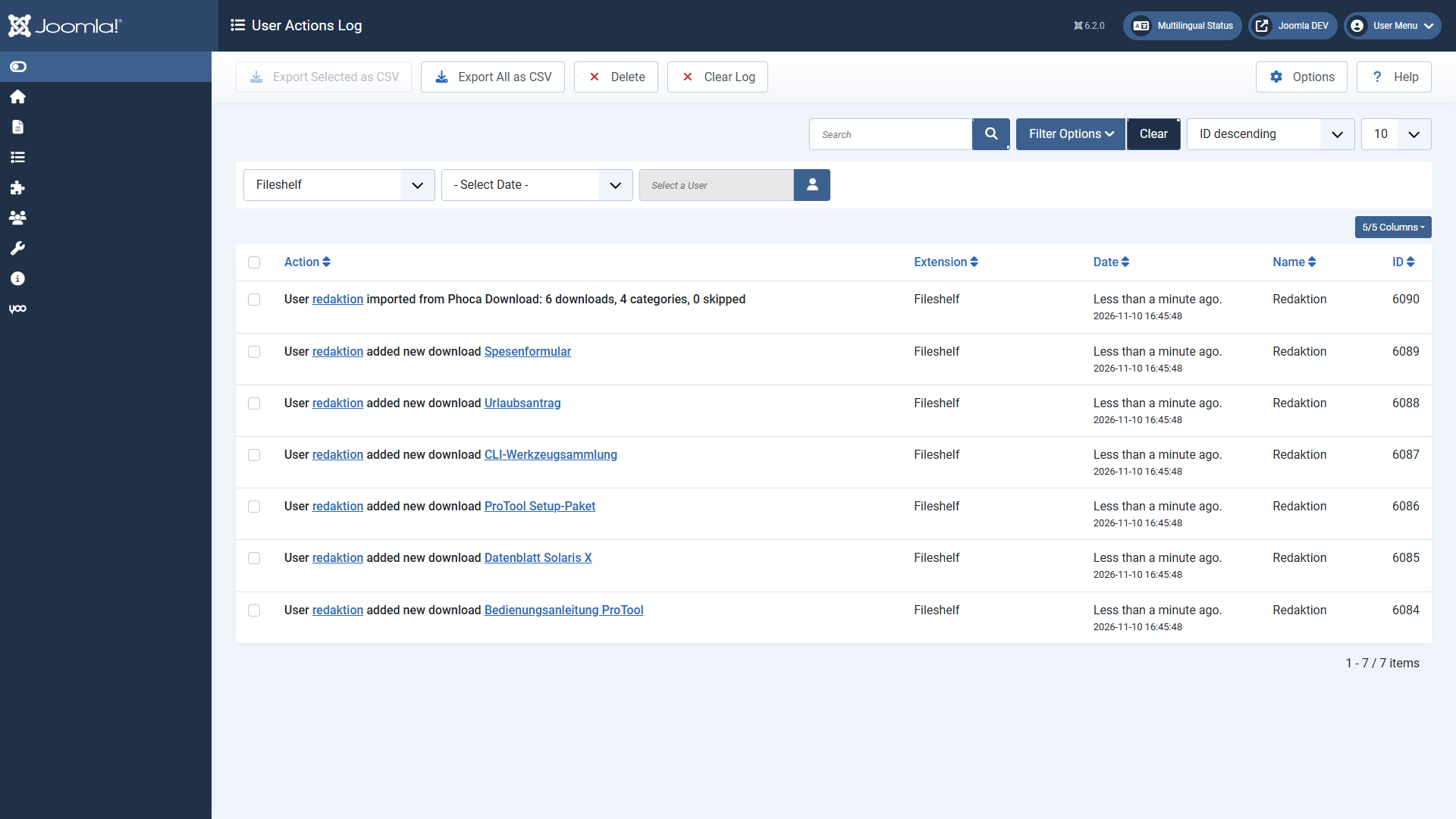
What is logged
- Creating, changing, publishing, unpublishing, trashing and deleting downloads – each with a link to the download.
- A password set or removed on a download or a download category. The password itself never appears in the log.
- Categories of Fileshelf are logged by Joomla itself, like all categories.
- In the Pro version also: uploads from the website approved or rejected, and every finished import.
Switching it on and off
On its first installation Fileshelf adds itself under Users → User Actions Log → Options → Extensions to log. If you take Fileshelf out there, it writes nothing more to the log; a later update does not change this setting. How long entries are kept is set in Joomla's plugin System - User Actions Log.