
Editor button
Below the editor, or in TinyMCE's menu CMS Content, you find the button Download. It opens a selection dialog and inserts the matching shortcode.
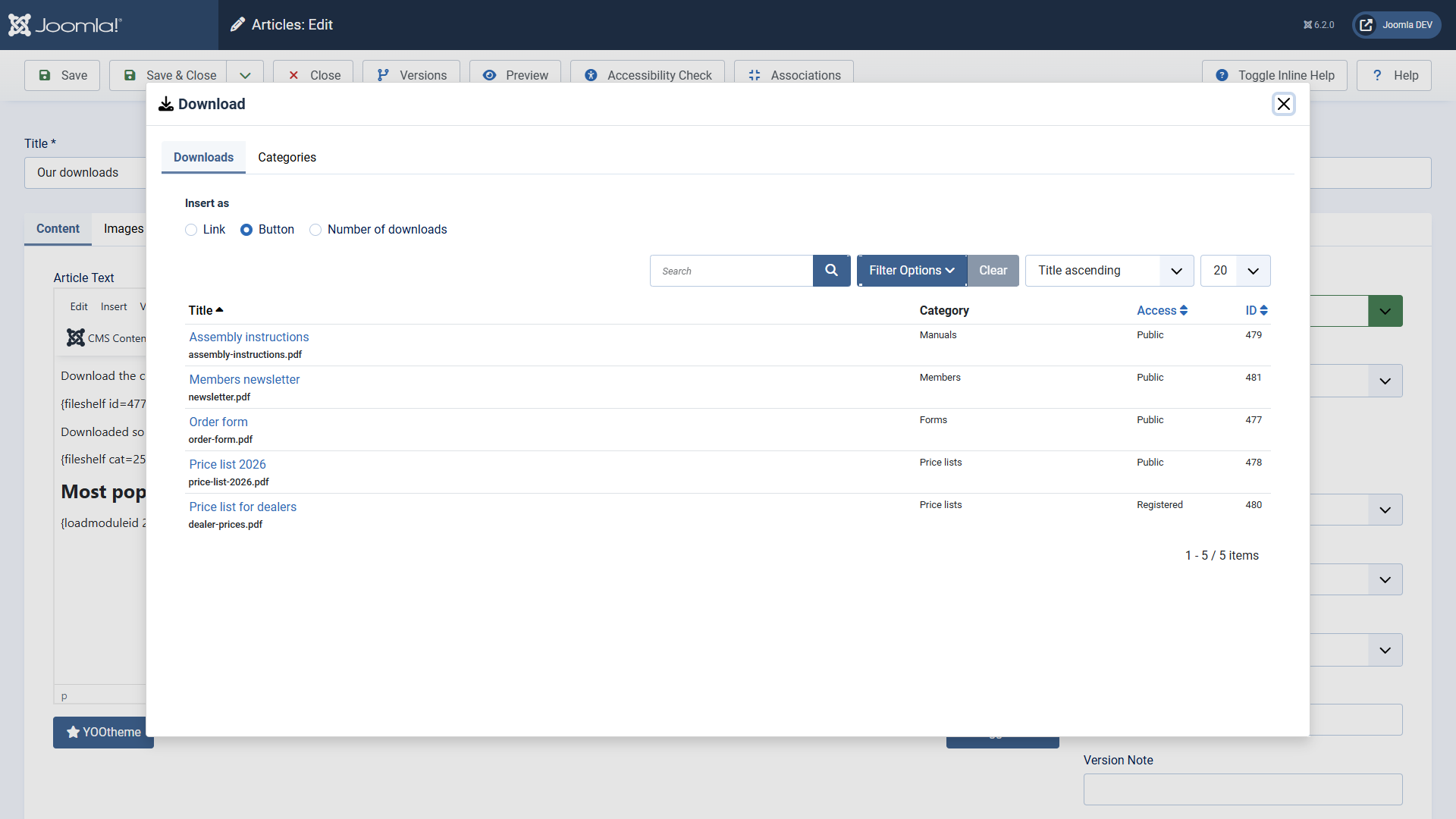
- Place the cursor where you want the download and click Download.
- Choose under Insert as: link, button or number of downloads.
- Click the download. Search, filters and ordering work as in the list.
- For a list, open the tab Categories and click the category.
TinyMCE's link dialog
The downloads are also offered as a source in TinyMCE's link dialog. So you link selected text directly to the page of a download.