
Fileshelf at a glance
Fileshelf manages downloads in Joomla 6 with Joomla's own means: categories, tags, access levels, fields and versions come from the core, not from a system of its own. Each download has exactly one file, one main category and, if you like, further categories in which it appears as well.
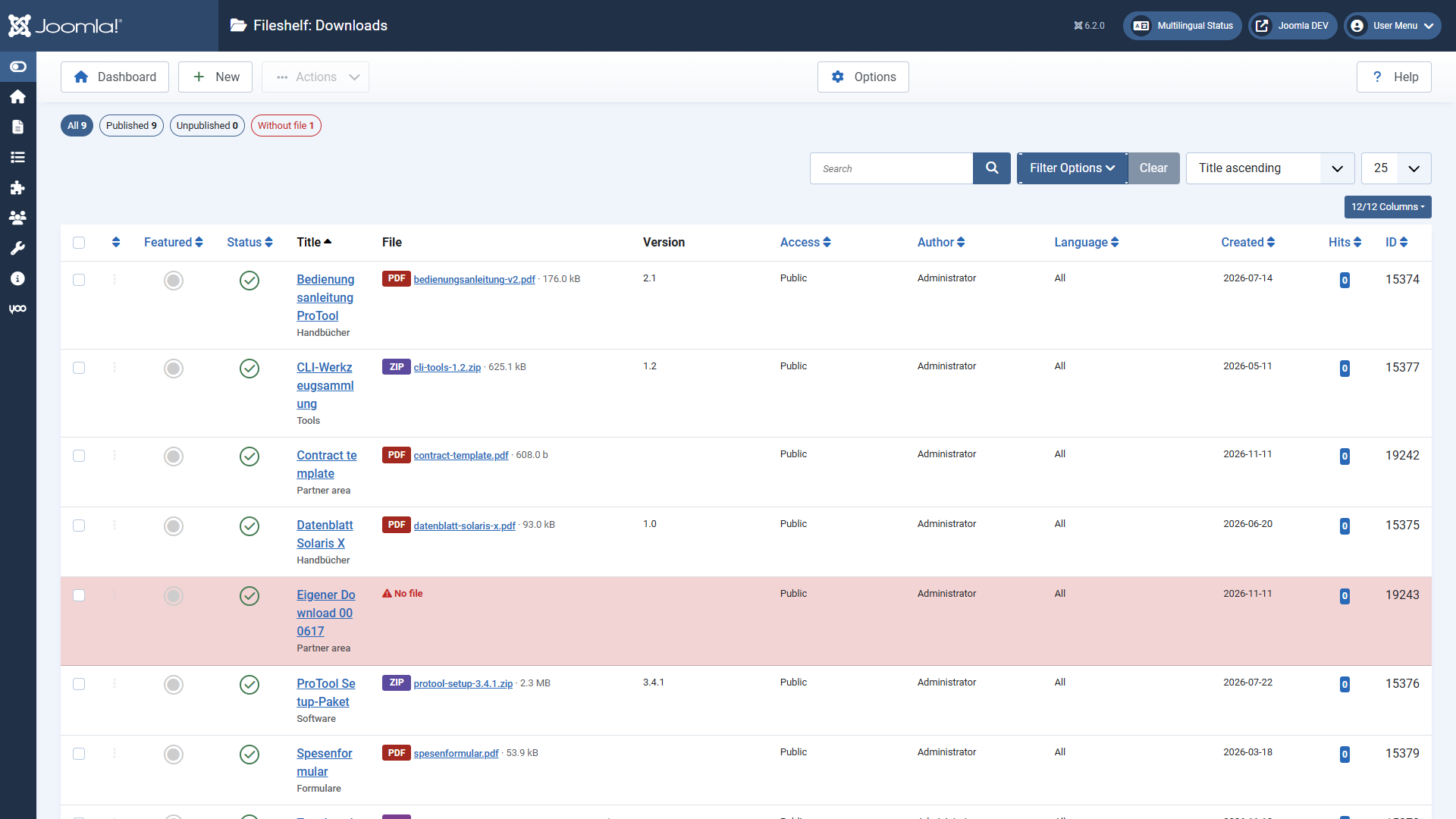
What Fileshelf does for you
- Store files protected. The files lie in a storage folder of their own, which Fileshelf locks against direct access and checks itself. Visitors only get a file through Fileshelf – with access check and counter.
- Control access. Joomla access levels, a password per download or per category, publishing period.
- Show them on the website. Menu items for categories, single downloads and the latest downloads, a module, shortcodes for articles and a button in the editor.
- Let them be found. The site search (Smart Search) finds downloads by title, description, file name and tag.
- Maintain. Tools reorder files, adopt files uploaded by FTP and check file details.
The parts
Fileshelf is installed as one package. It contains:
| Part | Task |
|---|---|
| Component Fileshelf | Downloads, storage, website views, tools |
| System - Fileshelf | Category password, protection against deleting categories in use |
| Content - Fileshelf | Shortcodes in articles and modules |
| Button - Fileshelf | The button “Download” in the editor |
| Smart Search - Fileshelf | Downloads in the site search |
| FileSystem - Fileshelf | The area “Downloads” in the media manager |
| Module Fileshelf - Downloads | Latest, most popular, featured downloads or those of a category |
The plugins are enabled on the first installation. Always keep “System - Fileshelf” enabled; you can disable the others if you do not use their feature.