
GDPR information and erasure (Pro)
Pro version. This feature is part of the Pro version of Mail Log. What the Free version does is covered under Free version and Pro version.
A mail log is a collection of personal data: addresses, subject lines, often content too. When somebody asks under Article 15 of the GDPR what you hold about them, or demands erasure under Article 17, the log is part of the answer — and it is the part people routinely forget.
The Pro version closes that gap, and it does so where you already work: in Joomla's own privacy administration.
Why there is no screen of its own
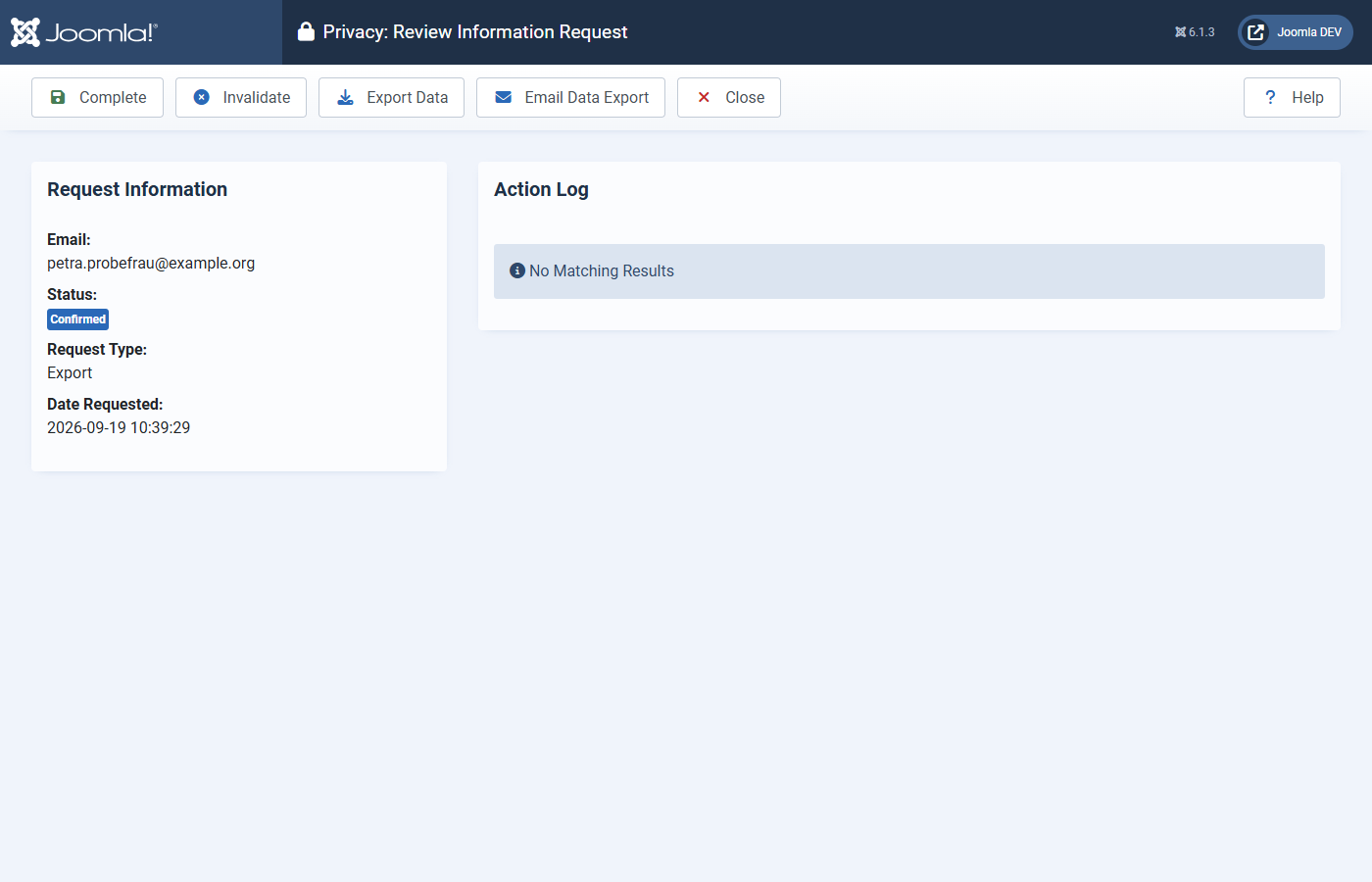
Joomla already has the workflow: under Users → Privacy you file a request, the person confirms it, and every extension contributes its share. Mail Log hooks into that. A second, separate screen would mean you had to remember that Mail Log is not covered by the process you already use — and the one you forget is the one that makes the answer incomplete.
How to do it
- Under Users → Privacy → Requests, create a request: enter the e-mail address and choose Export or Remove as the type.
- Have the request confirmed, or mark it as confirmed.
- Run Export data or Remove data. Mail Log contributes its share automatically.
The address comes from the request, not from a user account. That matters here: the people a website writes to are mostly not registered users — contact form senders, customers, recipients of a notification. For exactly those people, a lookup keyed on a user account would find nothing.
What the export contains
For every message the address appears in: time, subject, delivery status and any error message, the role the address had (sender, To, Cc, Bcc), what triggered the message, the number of recipients and attachments, and the Message-ID.
The message body — and why it is not always included
If the person asking was the only recipient, the body is included. If there were further recipients, it is withheld, and the export says so.
That is not convenience: a message to three people is personal data of all three. Handing it to one of them at the press of a button would be a data protection breach — caused by a data protection feature. You can always release the text by hand after reviewing it.
What removal does
It deletes the affected log entries, and their attachments from disk with them. It does not anonymise them.
That is deliberate. Blanking the address while the subject line still reads "Your order, Mr Schmidt" looks like erasure and is not. Do expect the record of messages to third parties to go too, if the person asking was on the same message.
Limits worth knowing
- The search covers the address fields, not message bodies. A body may be encrypted, truncated or not stored at all — a text search would find some occurrences and miss others, and a search that is right sometimes is worse than one whose limits are written down.
- Removal is final. There is no recycle bin.
- Retention obligations come first. If a message is covered by a statutory retention period, removing it is your decision, not the software's.