
Quick start: the dashboard
WirdMail synchronisiertLog …works immediately after the installation. This page shows how to produce the first entry
and how to read the dashboard properly.
Producing the first entry
Send any email through your website — easiest is the built-in test email under System → Global Configuration → Server → Send Test Mail. Then open Components → Mail Log. The message appears as the most recent entry.
Reading the dashboard
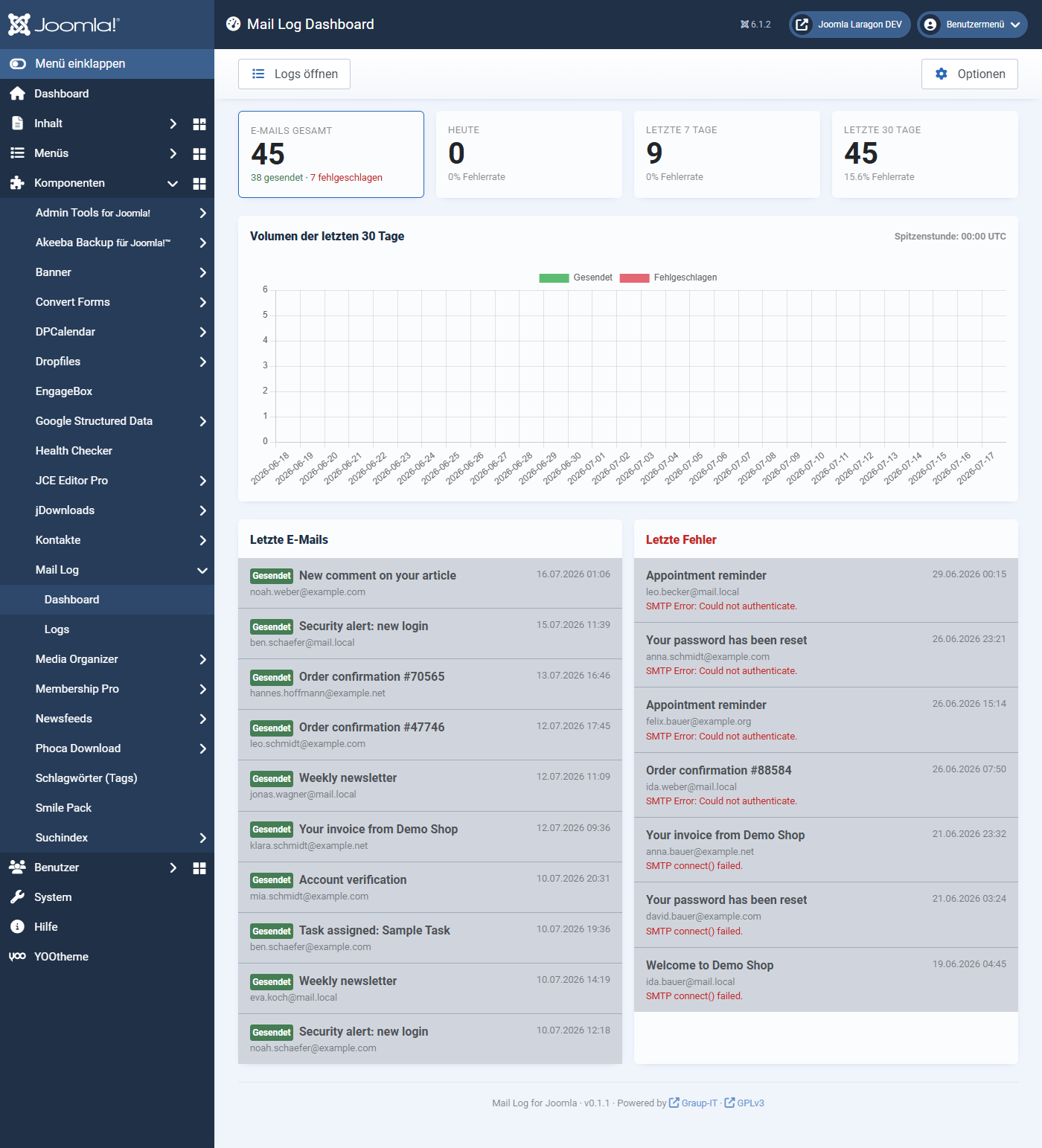
At the top there are four key figures:
Below them follow:
If the chart does not render (with JavaScript switched off, for instance), Mail Log shows the same figures as a table automatically. No information is lost.
Where to go from here
Applies to version 1.0.4.