WirdFileshelf synchronisiertmanages …downloads in Joomla 6 with Joomla's own means: categories, tags, access levels,
fields and versions come from the core, not from a system of its own. Each download has exactly one file,
one main category and, if you like, further categories in which it appears as well.
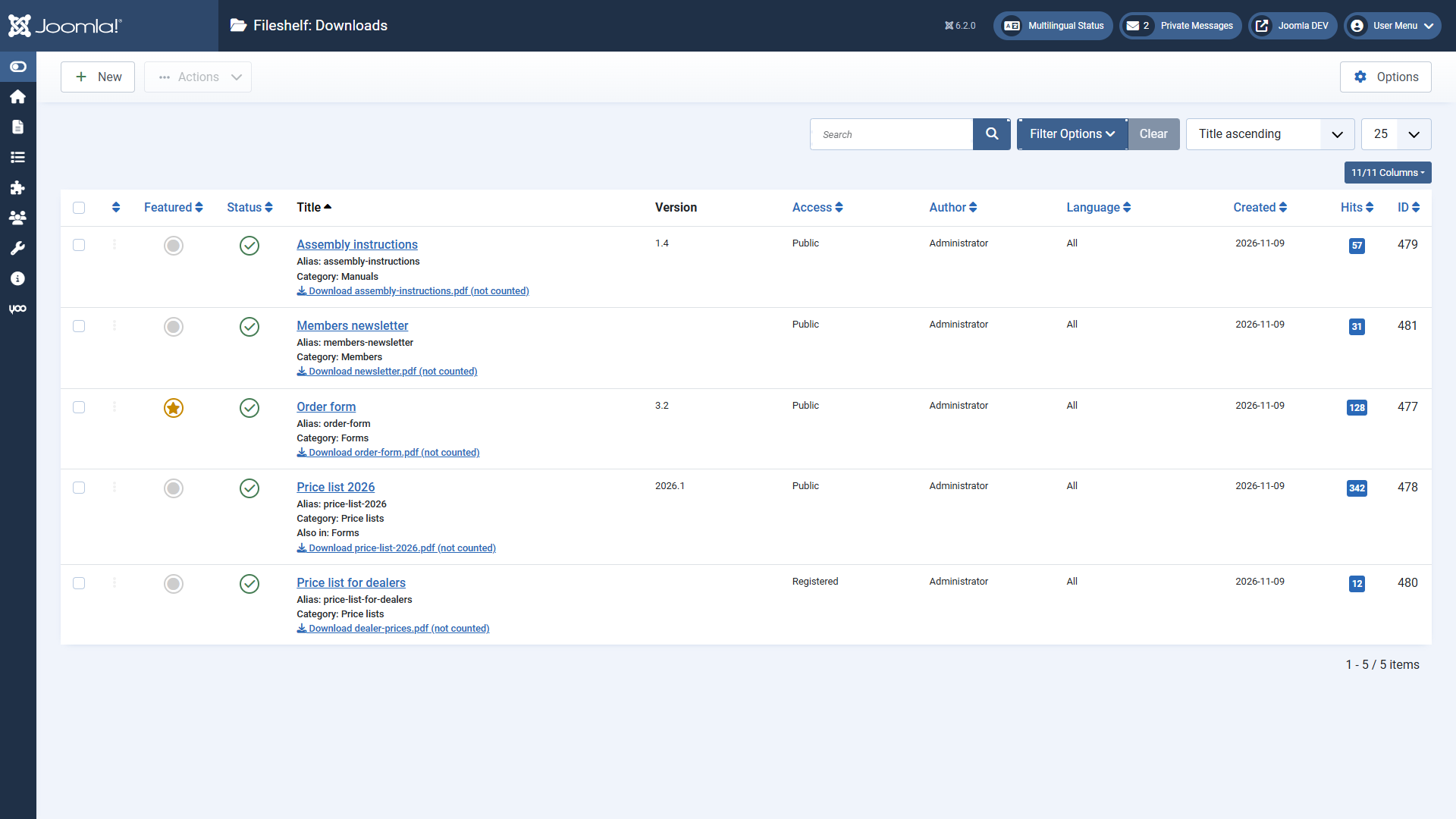
The list of downloads: title, categories, version, access level and how often each file was
downloaded.
What Fileshelf does for you
Store files protected. The files lie in a storage folder of their own, which
Fileshelf locks against direct access and checks itself. Visitors only get a file through Fileshelf –
with access check and counter.
Control access. Joomla access levels, a password per download or per category,
publishing period.
Show them on the website. Menu items for categories, single downloads and the latest
downloads, a module, shortcodes for articles and a button in the editor.
Let them be found. The site search (Smart Search) finds downloads by title,
description, file name and tag.
Maintain. Tools reorder files, adopt files uploaded by FTP and check file details.
The parts
Fileshelf is installed as one package. It contains:
PartTask
Component FileshelfDownloads, storage, website views, tools
System - FileshelfCategory password, protection against deleting categories in use
Content - FileshelfShortcodes in articles and modules
Button - FileshelfThe button “Download” in the editor
Smart Search - FileshelfDownloads in the site search
FileSystem - FileshelfThe area “Downloads” in the media manager
Module Fileshelf - DownloadsLatest, most popular, featured downloads or those of a category
The plugins are enabled on the first installation. Always keep “System - Fileshelf” enabled; you can
disable the others if you do not use their feature.