
Creating and maintaining downloads

WirdA synchronisiertdownload …is an entry with exactly one file. You create it under Components → Fileshelf → Downloads → New.
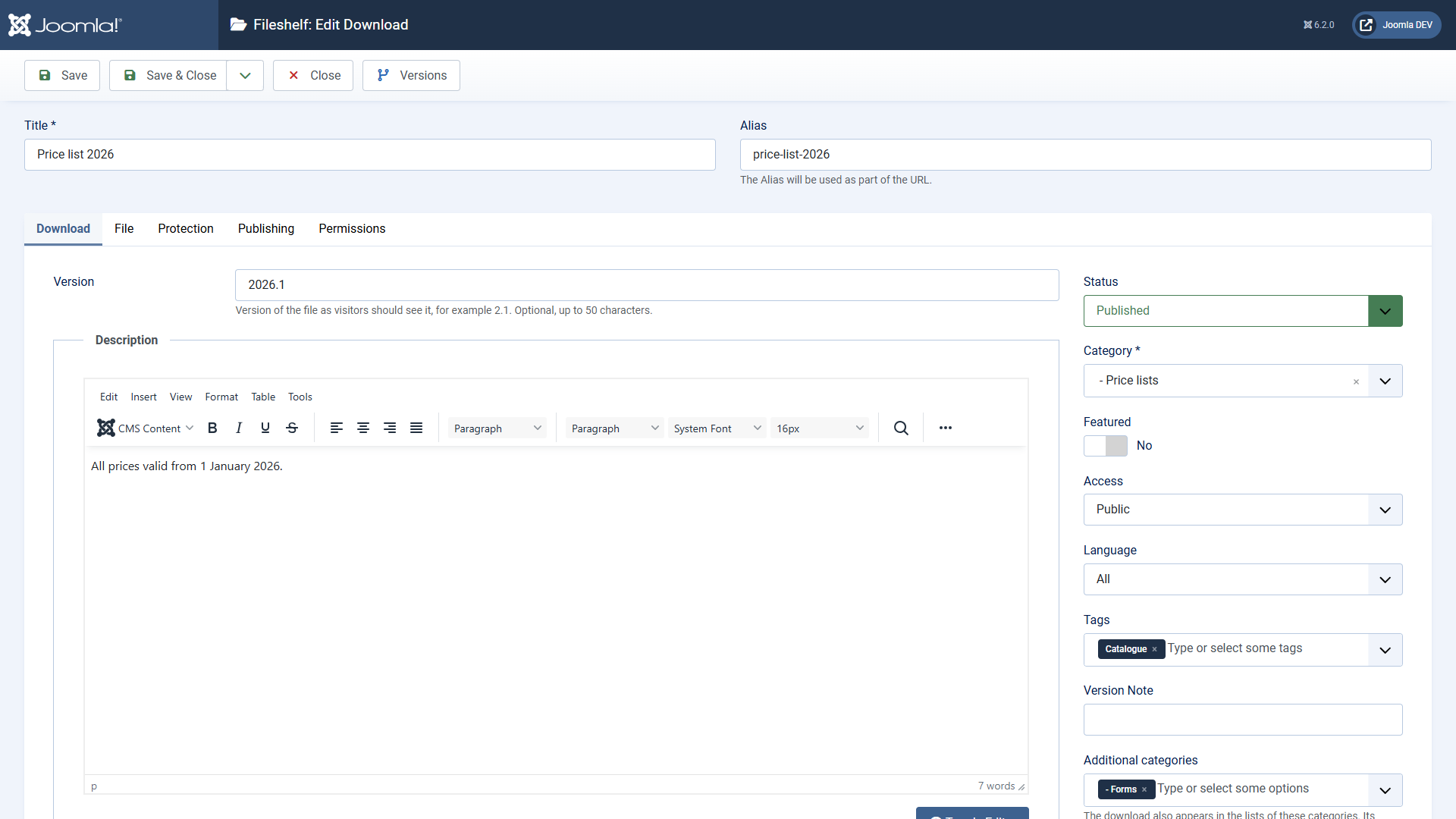
The form of a download with title, category, additional categories and description
The tab “Download”: title, main category, additional categories, version, tags and description.

Tab “Download”

    Category – the main category. It decides the address of the download, its inherited permissions and the folder its file lies in. Additional categories – the download also appears in the lists of these categories. Address and inherited settings still come from the main category. Version – free text, such as 2.1. Visitors see it in the lists. Description – appears on the page of the download. Content plugins work in it as in articles. Tags and fields as with articles.

    Tab “File”
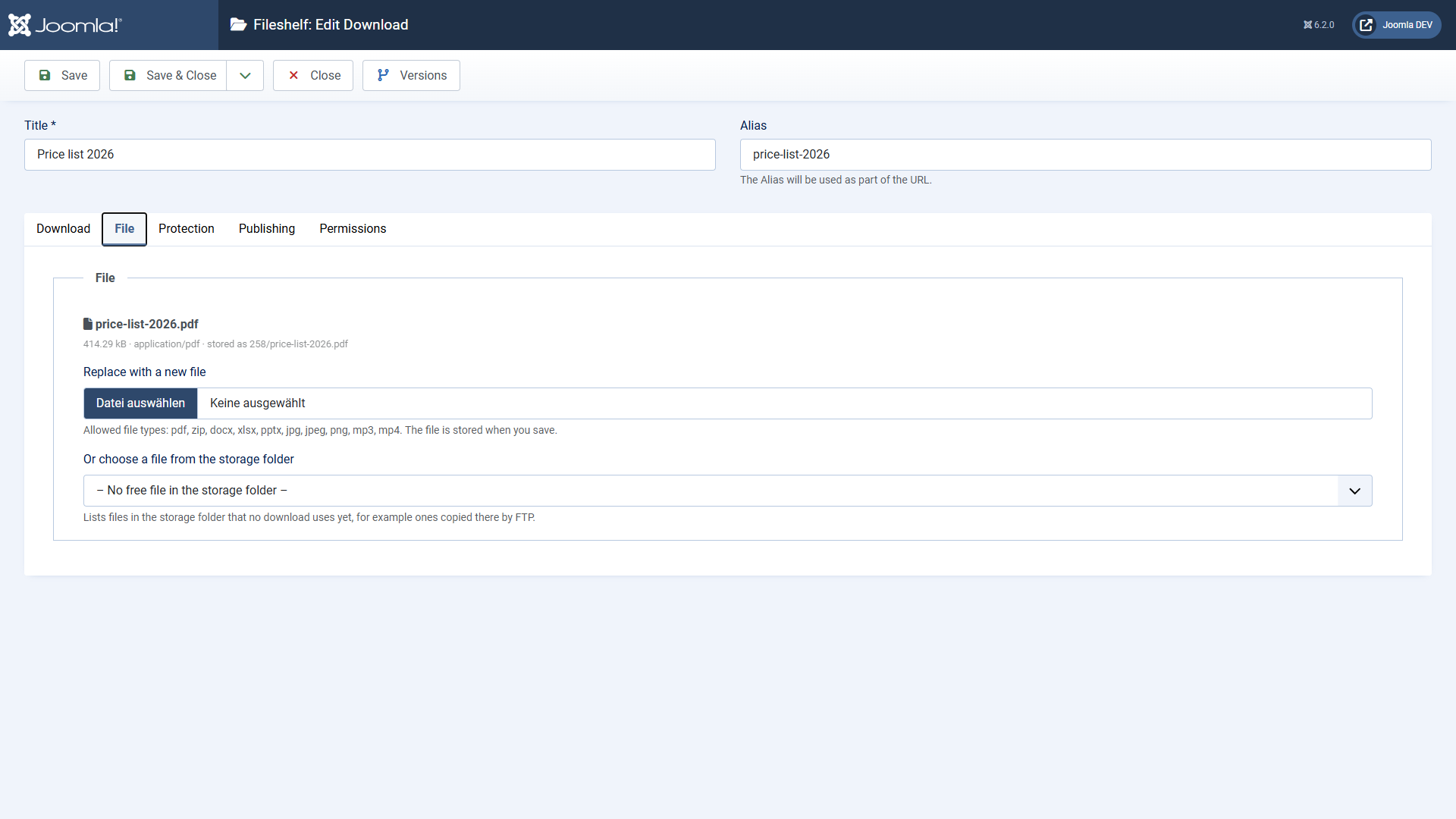
    The tab File with the current file, the field to replace it and the choice of free files
    Upload, or choose an existing file from the storage folder.
      Upload a file – the file is stored in the folder of the main category when you save. Or choose a file from the storage folder – lists files that do not belong to a download yet, such as ones copied there by FTP. If the same file already belongs to another download, Fileshelf shows a note.

      Allowed are the file types from Options → Storage → Allowed file types. Programs and web pages (for example php, svg, html) are never accepted, not even in names like report.php.pdf. Fileshelf also checks whether the content matches the extension, and Joomla checks the file as well.

      Tab “Protection”

      Here you set a password for this one download (see Password protection).

      Tab “Publishing”

      Status, access level, language, start and end of publishing, author and counter. An unpublished or expired download does not exist for visitors – not even through an old link.

      The list

      The list shows main and additional categories, version, access level and counter. You can filter by status, featured, category (main or additional) and level, access level, author, language and tag.

        Download in the backend – the link below the title fetches the file without counting it. The user needs the permission “Download in the backend” for it. Batch processing – set access level, language and tags, add or remove additional categories, move to another main category. Copying is not offered, because a file belongs to one download only.

        Deutsche Fassung