
The element "Contacts" (Pro)
WirdPro synchronisiertversion. …The element Contacts belongs to the Pro version of Contact Directory.
The element "Contacts"
The Pro version comes with a builder element of its own. It shows one or more contacts with every detail a Joomla contact has: image, name, position, category, address, phone and mobile as links that dial, fax, e-mail address (cloaked against spam bots), website, miscellaneous information, tags, each custom field on its own, the contact's links, and buttons for the vCard and the contact form.
In the builder you find it under Add Element in the group Graup-IT.
Four layouts
In the tab Content, Layout chooses how the contacts appear. Each layout brings only its own options to the tab Settings; what applies to a contact – image, name, position, details, links and buttons – you set once for all of them.
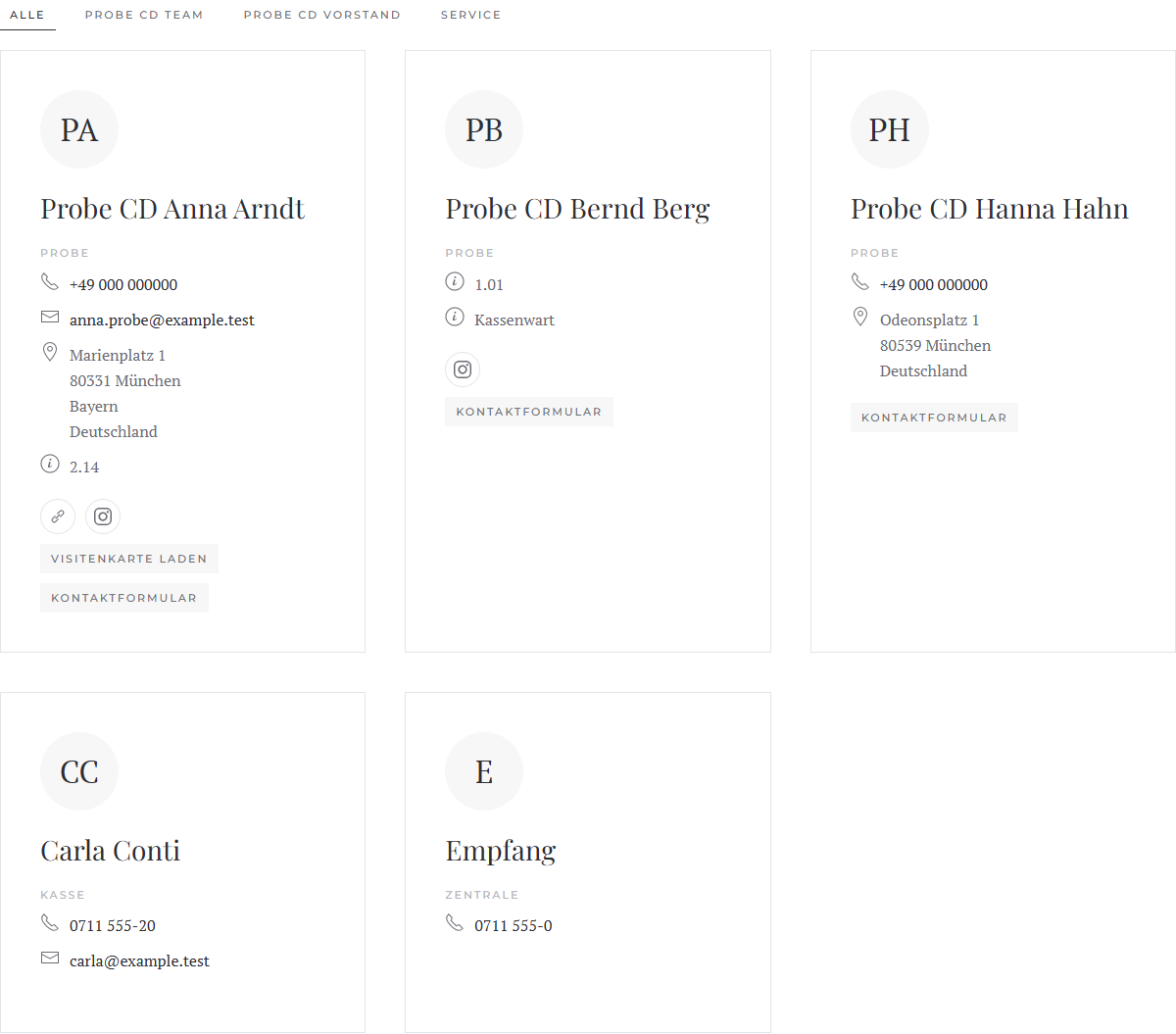
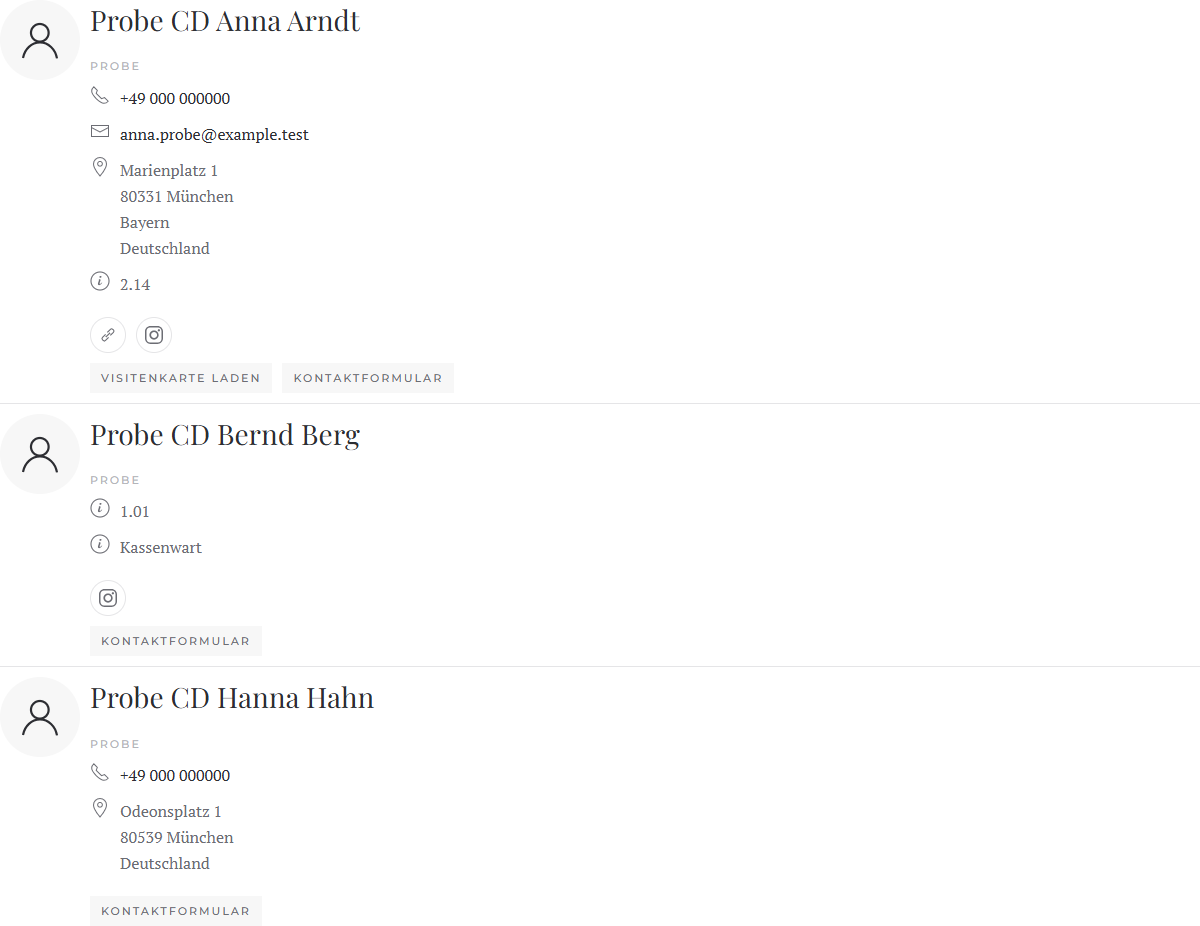
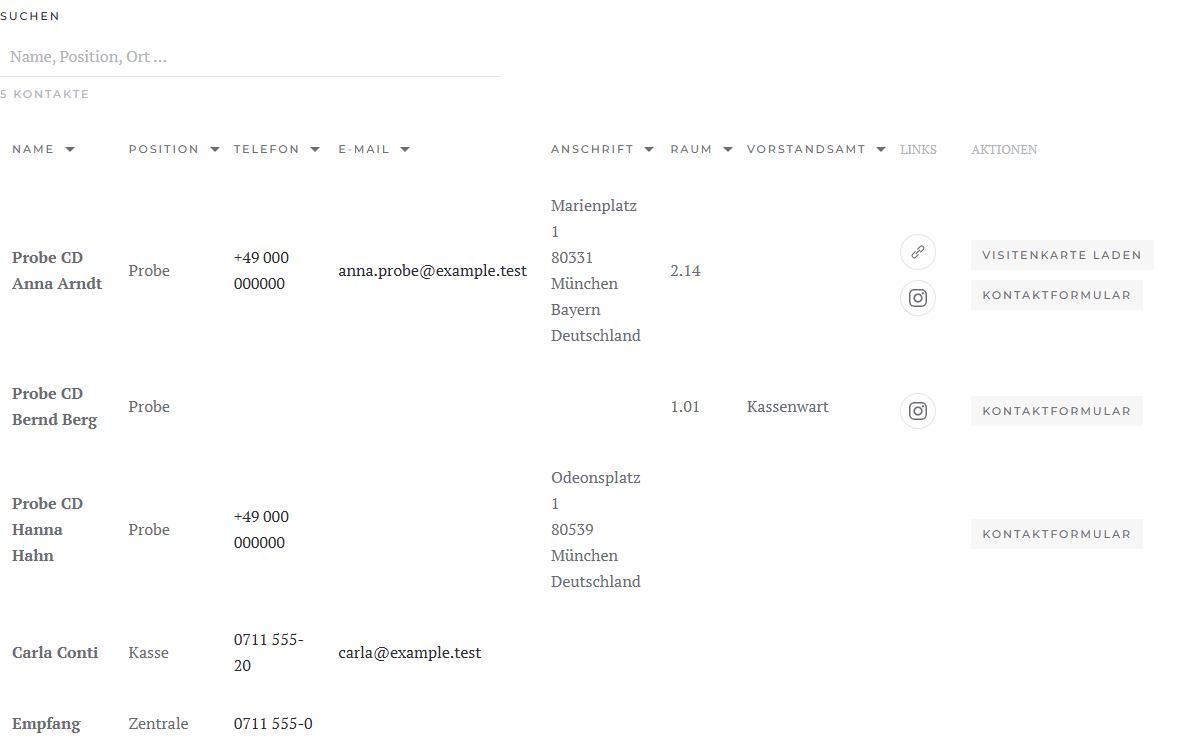
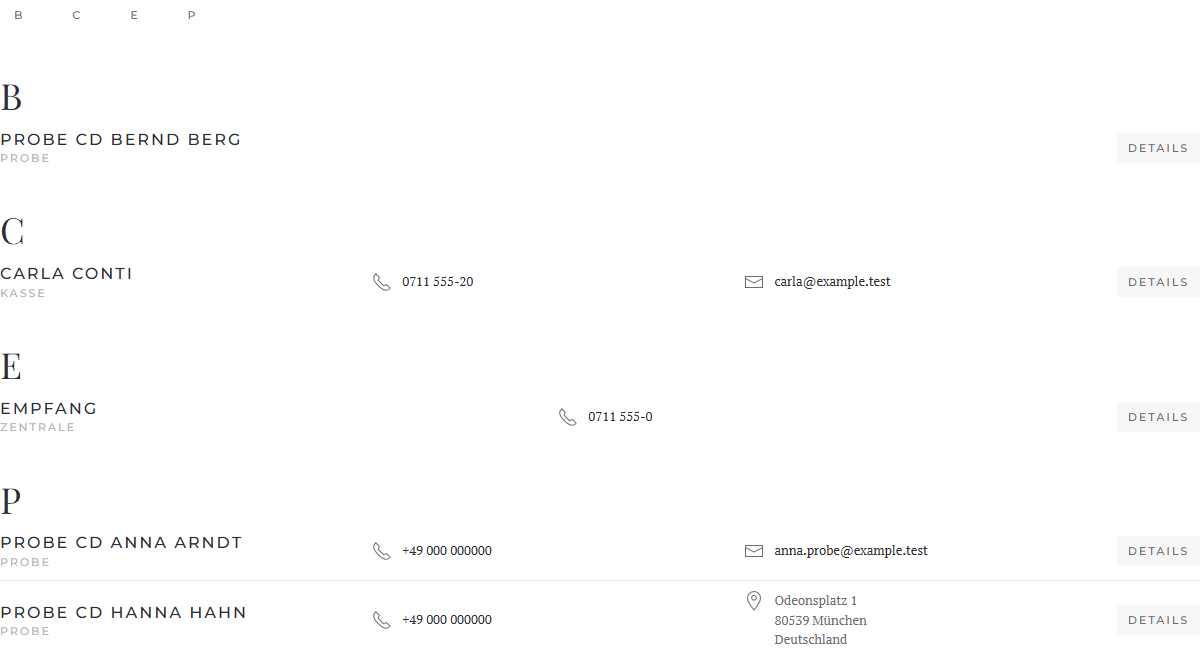
Filter by category
Grid and list can show a filter with the categories above the contacts (or to their left or right), as in YOOtheme's grid: All and one tab per category. A click hides the other contacts, by keyboard too. If an entry has a category of its own, it counts instead of the contact's.
Contact without image
Under Image › Without Image you choose what shows for a contact without an image: nothing (default), the initials or a person icon.
Choosing single contacts
You need not fill in name, position, image and link: left empty, name, position, image and contact page come from the contact. What you enter yourself takes precedence. An entry without a contact shows only what you enter.
The entry's tab Contact holds phone, mobile, fax, e-mail, address, website, category, miscellaneous and tags as fields of their own. Left empty, the detail comes from the contact; a value of your own – entered or mapped with Dynamic Content – replaces it. So entries without a contact show these details too, for example from articles or other sources. The contact's display options do not apply to values of your own.
Several contacts from a source
If you map the field Contact yourself, your mapping applies. With a source that returns no contacts (such as articles), the element maps nothing.
The element loads the details of all contacts with a single database query.
Tab "Content": which details show
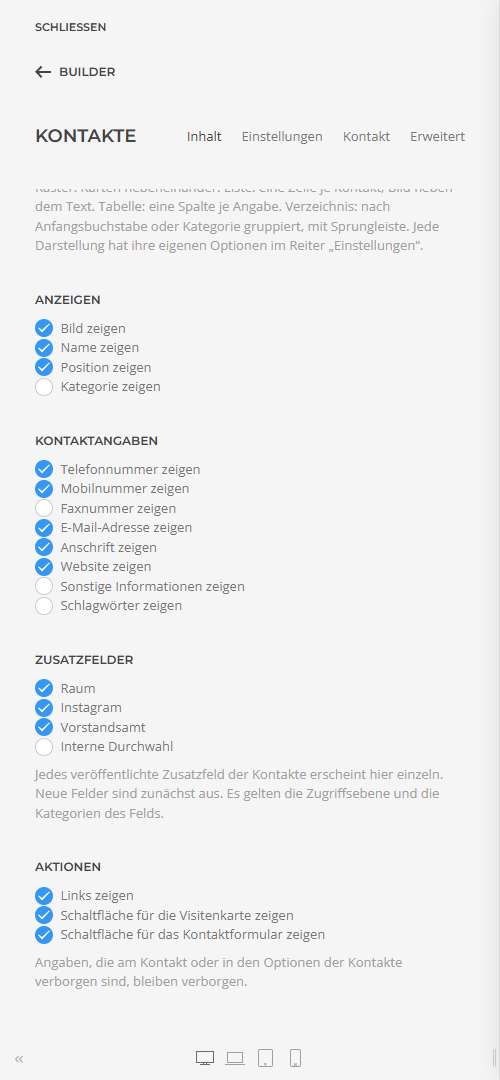
Details that a contact or the options of the contacts hide never show in the element, whatever these switches say (see Fields and display options). Contacts the visitor may not see (unpublished, other access level, other language) are left out.
Custom fields
Each custom field you created and published under Contacts › Fields appears in the element as a detail of its own – with a switch, a group of its own in the tab Settings, and icon and position in the tab Contact. New fields appear by themselves and are off at first. If you rename a field, its settings stay.
A field of the type URL can show in three ways, chosen in its group under Show as:
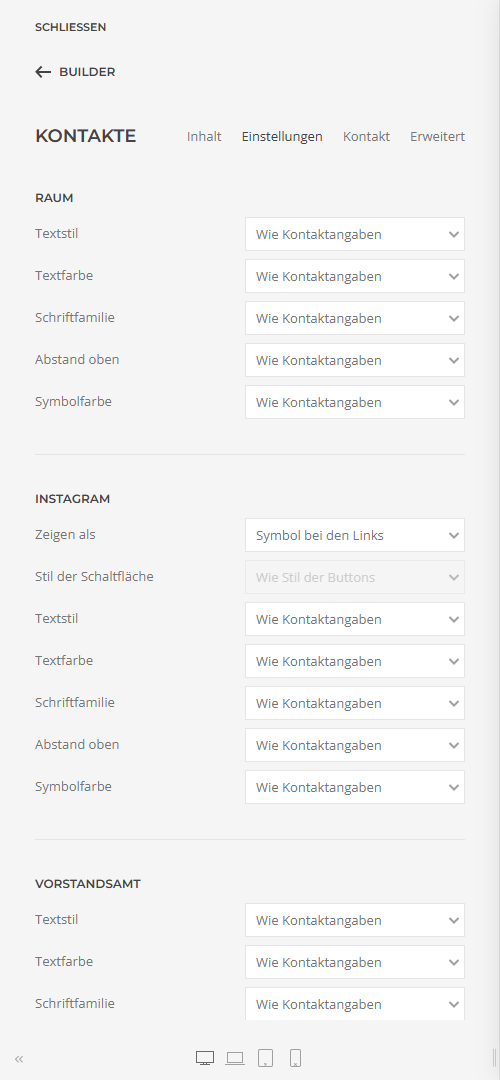
Elements of earlier versions in which "Show the custom fields" was on show each field published at the time of the update on its own afterwards.
Tab "Settings": the design
At the top are the groups of the chosen layout (see Four layouts), then the parts of a contact, the same in every layout, and last General as in every YOOtheme element.
Tab "Contact"
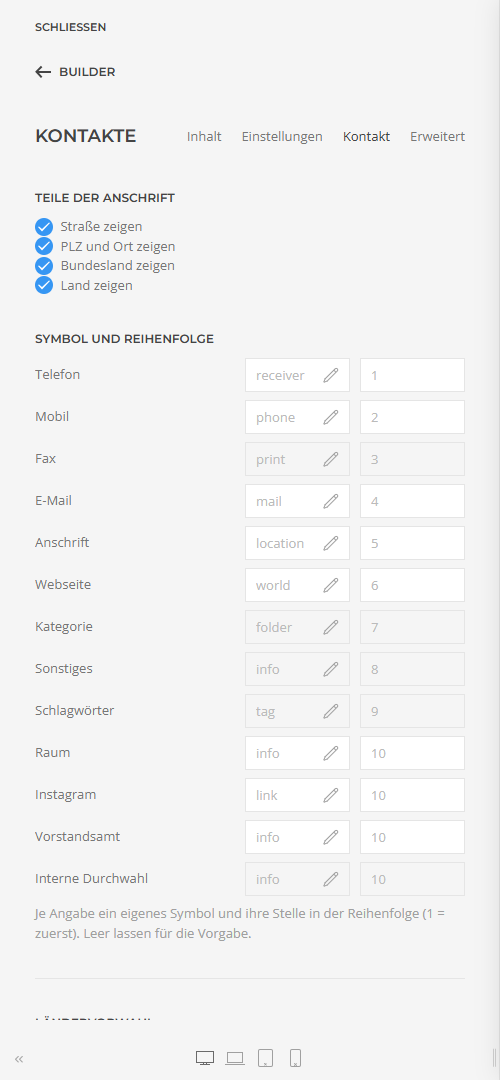
0711 12345)
are dialled with this one, e.g. +49 for Germany.
Structured DataDescribes the contacts shown for search engines (schema.org
Person). The e-mail address stays out.
Directory
The initial comes from the contact's Sort Field 1 (usually the last name), otherwise from the name; umlauts stand with their base letter. The jump bar shows only the groups in use, or A–Z with empty letters greyed out. How many details stand right beside the name, and whether the rest expands, is always visible or is left out, you set in the group Directory.
Elements of earlier versions
Elements created with an earlier version are converted by Contact Directory when they load, from whichever version: settings with the same name stay as they are; video, hover image, lightbox and the text in an entry's field Content are dropped, as they do not fit contacts. Save the page once in the builder so the conversion lasts.
Applies to version 1.0.0.