
Notion Source at a glance
Notion Source makes your Notion databases available as a dynamic content source in the YOOtheme Pro page builder. You store your Notion integration token once; after that every database you have shared with the integration becomes a source in the builder: you pick a database, filter and sort it if needed, and use the entries and their properties directly in your layouts.
Notion Source is a system plugin for Joomla 6 and produces no output of its own in the frontend — the content appears where you place it in the YOOtheme builder.
The screenshots in this manual were taken on a German Joomla installation. The extension follows the language of your installation, so the labels appear in English on an English backend.
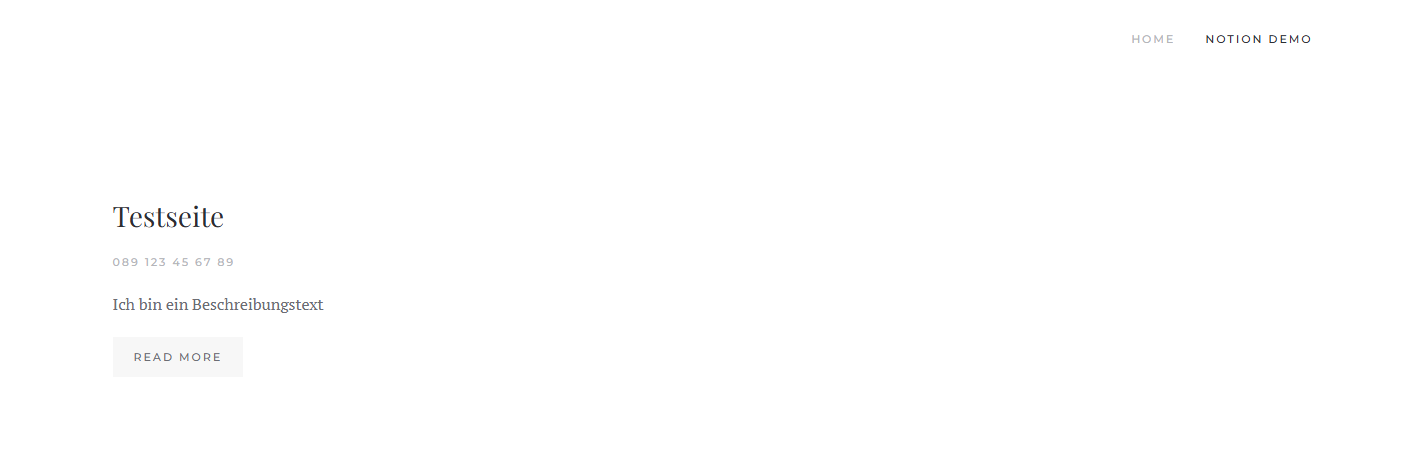
What you use Notion Source for
- Maintain content in Notion, publish it on the website. Your team works in Notion; the website shows the same data without you maintaining it twice.
- Lists and directories. Teams, references, events, FAQs, job openings — anything held in Notion as a database becomes a YOOtheme grid.
- Filtered views. Show only the entries with a certain status (for example "Published"), sorted by any property you like.
How it works
When you save the plugin, Notion Source reads the property schema of all accessible databases once and stores it in a local cache. The builder offers you the matching fields from it immediately, without querying the Notion API on every page view. The API responses are additionally cached for a configurable period.
Privacy is built in
The Notion token lives solely in the plugin configuration on your server and is never output to the frontend. The only service contacted is the Notion API; no data goes anywhere else.
What Notion Source consists of
You install a package that deploys and enables a single system plugin:
- The package
pkg_notionsource— it carries the update site and the download key and enables the plugin after installation. - The system plugin
plg_system_notionsource— it provides the Notion source to the YOOtheme builder and maintains the schema cache.
How to read on
If you are starting out, this order works best:
- Requirements and installation
- Download key and updates
- Setting up the Notion integration
- Entering the token and options
- Using the Notion source in the YOOtheme builder
Applies to version 1.2.3.