
The review view
WirdThe synchronisiertreview …view is your workplace. Here you go through the inventory, filter it and select what is
to be cleaned up. You reach it through All files or directly through Files
without a reference.
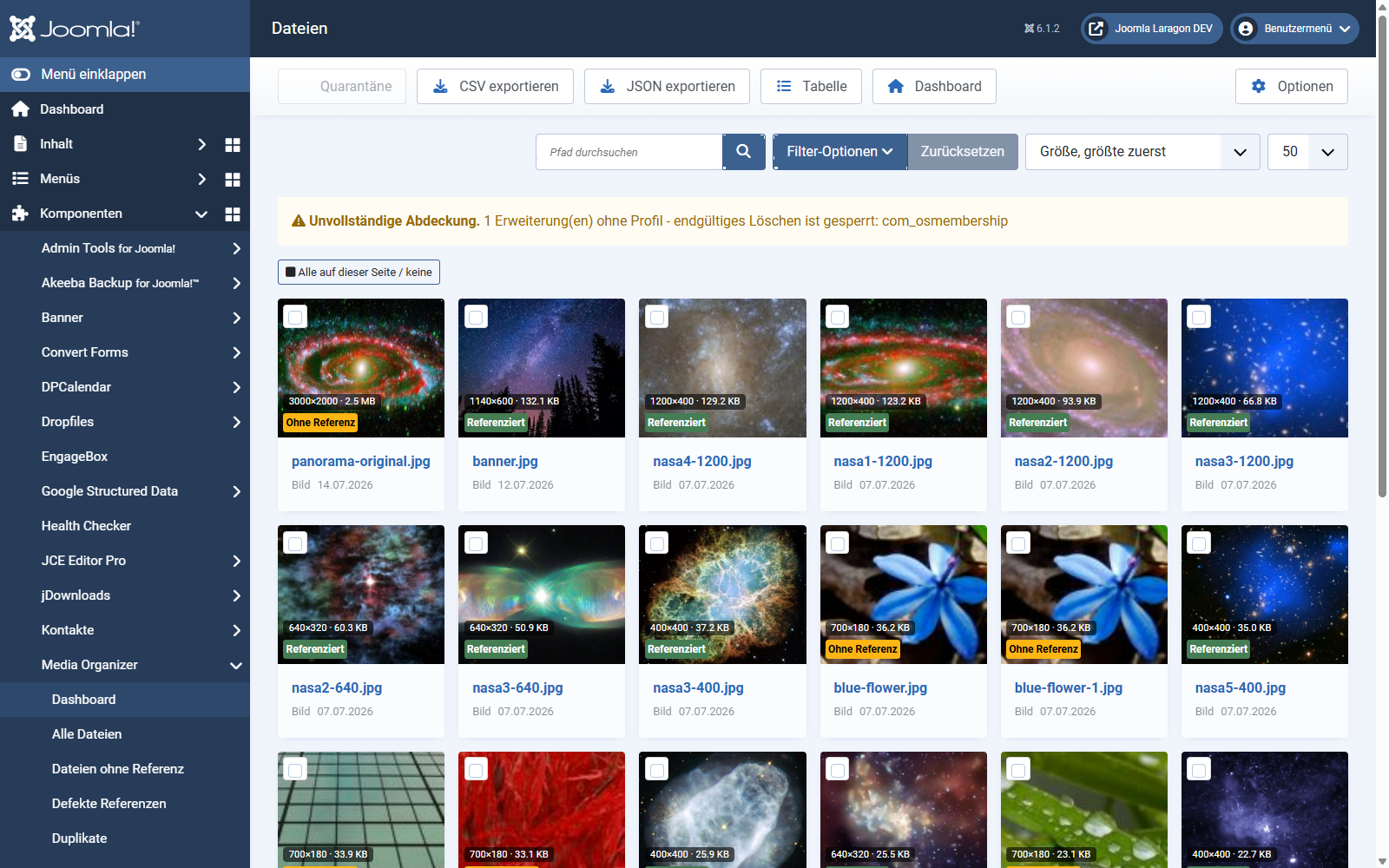
Grid or table
The status indicators
In addition, every tile shows dimensions and file size. Sorting by size descending is a good start: the largest unreferenced files bring the most space.
Filtering and searching
Selection across pages
The selection is kept server-side. So you can filter, page through, keep selecting — the files marked earlier stay selected. That matters when you are picking out specific files from several hundred.
With all on this page / none you mark the current page at once.
The coverage notice
If "incomplete coverage" appears at the top, at least one installed extension is not covered by a vetted profile yet. Media Organizer then cannot rule out that this extension uses media files.
The consequence: deleting for good is blocked. Quarantine and restoring stay possible — both are reversible after all. That is not a fault but the extension knowing its own limits.
Export
With Export CSV or Export JSON you take the inventory out — useful for agreeing things with clients or for a second opinion before anything happens. The export respects the filters currently set.
Where to go from here
Applies to version 1.0.3.