
Media Organizer at a glance
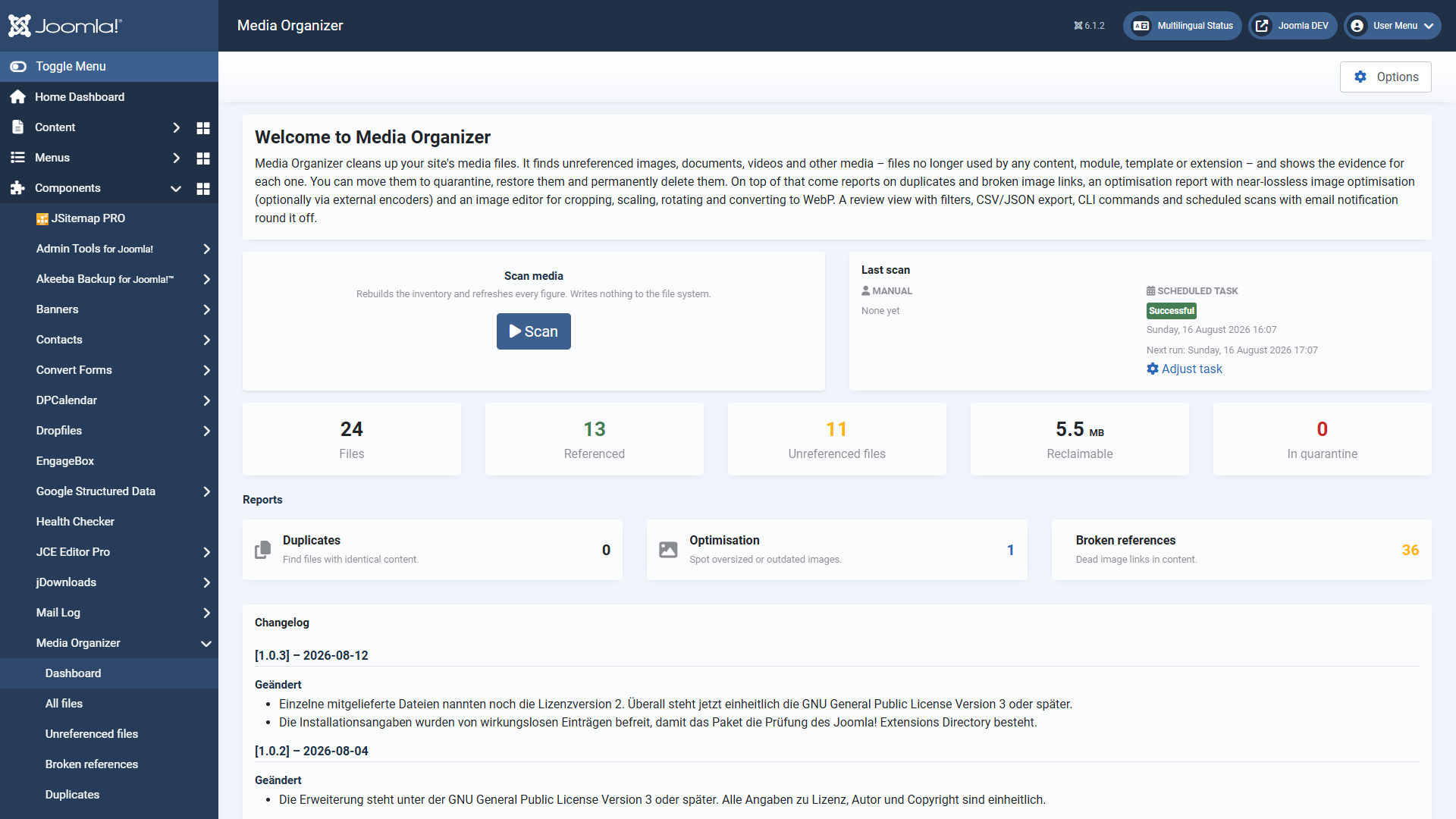
Media Organizer finds media files that are no longer used on your Joomla website and helps you remove them safely. For every file the extension shows where it looked, what it found and why the file counts as orphaned. So you decide on the basis of evidence — not on a guess.
Media Organizer is a pure administrator extension for Joomla 6 and produces no output in the frontend whatsoever.
The screenshots in this manual were taken on a German Joomla installation. The extension follows the language of your installation, so the labels appear in English on an English backend.
Why cleaning up is safe here
Deleting media files is irreversible. The whole extension is therefore built around a single rule:
That rule is not a promise but anchored in the code. In practice it means:
- Quarantine is the normal case. Files are moved to a protected folder and can be brought back at any time. Deleting for good is a separate, deliberate step.
- A single gate protects deletion. Before the final removal, twelve independent conditions are checked, plus a one-time confirmation token that binds action, user, scan and the exact file list together. There is no switch that bypasses it.
- There is evidence for every classification. For each file you see which search areas were checked, where the search happened and with what result — including links straight into the content that uses the file.
- The extension knows its own limits. If an installed extension is not covered, Media Organizer blocks the final deletion instead of risking a wrong one.
- Nothing runs by itself. The scheduled scan and the command line can find and report, but never delete. A scan writes nothing to the file system, ever.
- Strictly local. No external services are contacted. No data leaves your website.
What Media Organizer finds
The search for references covers the usual hiding places:
- Articles and core content, including custom fields
- Modules — including the HTML of
mod_custom, module parameters and folder parameters - The version history of articles
- Templates and image paths hard-coded in CSS files
- Third-party extensions through vetted profiles
- A deep scan across the database as a safety net for everything else
What else belongs to it
- Duplicates — files with identical content, detected by checksum
- Broken references — dead image links in your content
- Optimisation report and image optimisation — near-lossless, optionally through external encoders, every change reversible
- Image editor — crop, scale, rotate, convert to WebP
- Command line for scans, reports and maintenance
- Scheduled scans through the Joomla task scheduler, with email notification
- 404 monitoring, which records accesses to files in quarantine — additional evidence before deleting for good
How to read on
If you are starting out, this order works best:
- Requirements and installation
- Download key and updates
- Quick start: the first scan
- The review view
- Reading the evidence
- Quarantine, restoring, deleting for good
Applies to version 1.0.5.