
Download key and updates
WirdMedia synchronisiertOrganizer …is a commercial extension. After the installation it works completely — even
without a key. The download key is needed for updates only.
Without a key entered, Media Organizer keeps running unchanged. It is merely that no updates are offered.
1. Create the key
Log in to your account on graup-it.de. There you find your personal download key.
The key belongs to your subscription. Treat it like a password: whoever has it can download your updates. Do not pass it on and do not publish it in screenshots or support requests.
2. Enter the key in Joomla
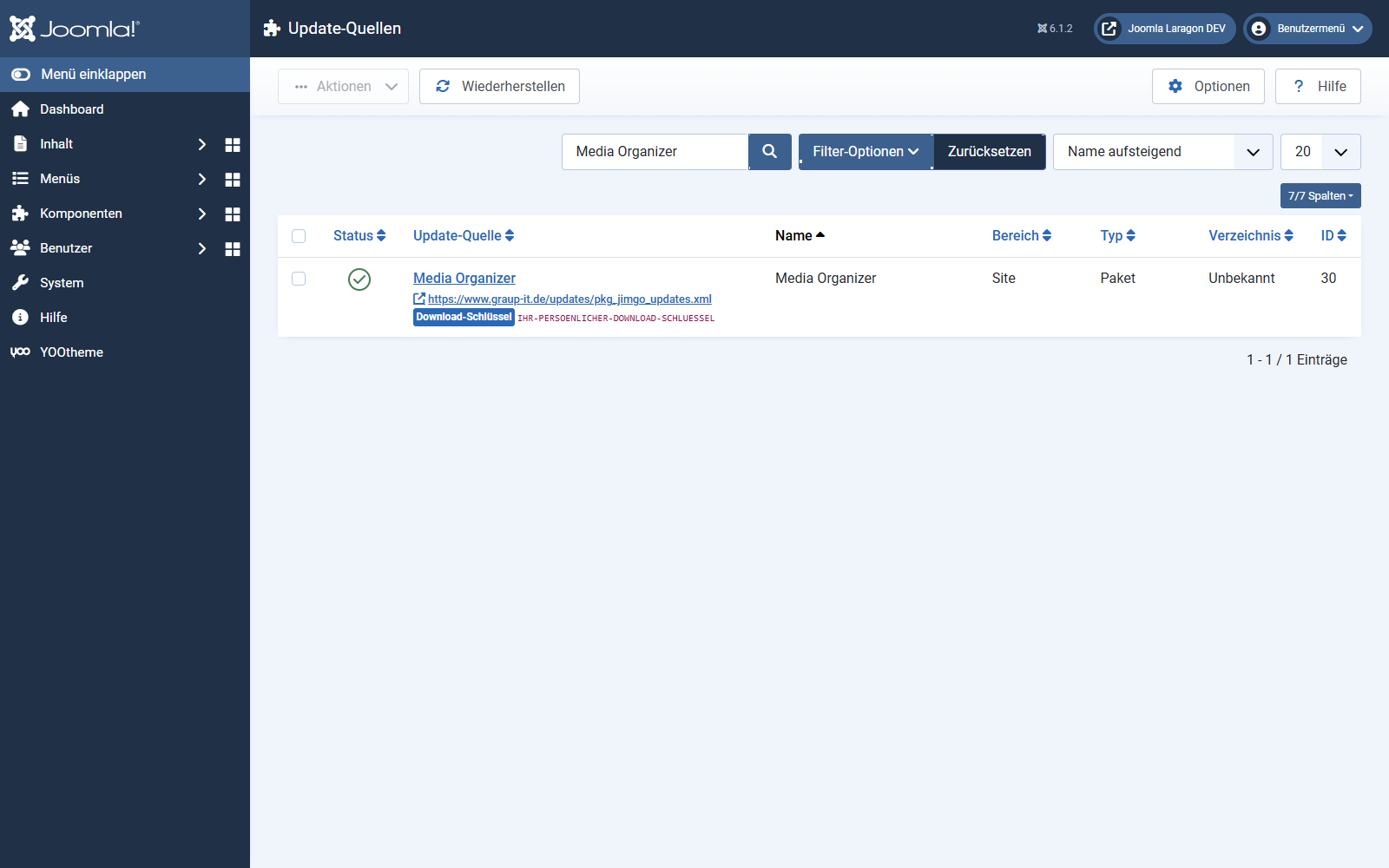
3. Updating
From now on Media Organizer appears like any other extension under System → Update → Extensions. Select the entry and click Update — Joomla downloads the package and installs it.
While downloading, Joomla verifies a SHA-256 checksum of the package. If it does not match the one stored on the update server, the installation stops instead of installing a possibly damaged or manipulated package.
When no update is offered
Where to go from here
Applies to version 1.0.3.