
Body storage, encryption and sensitive content
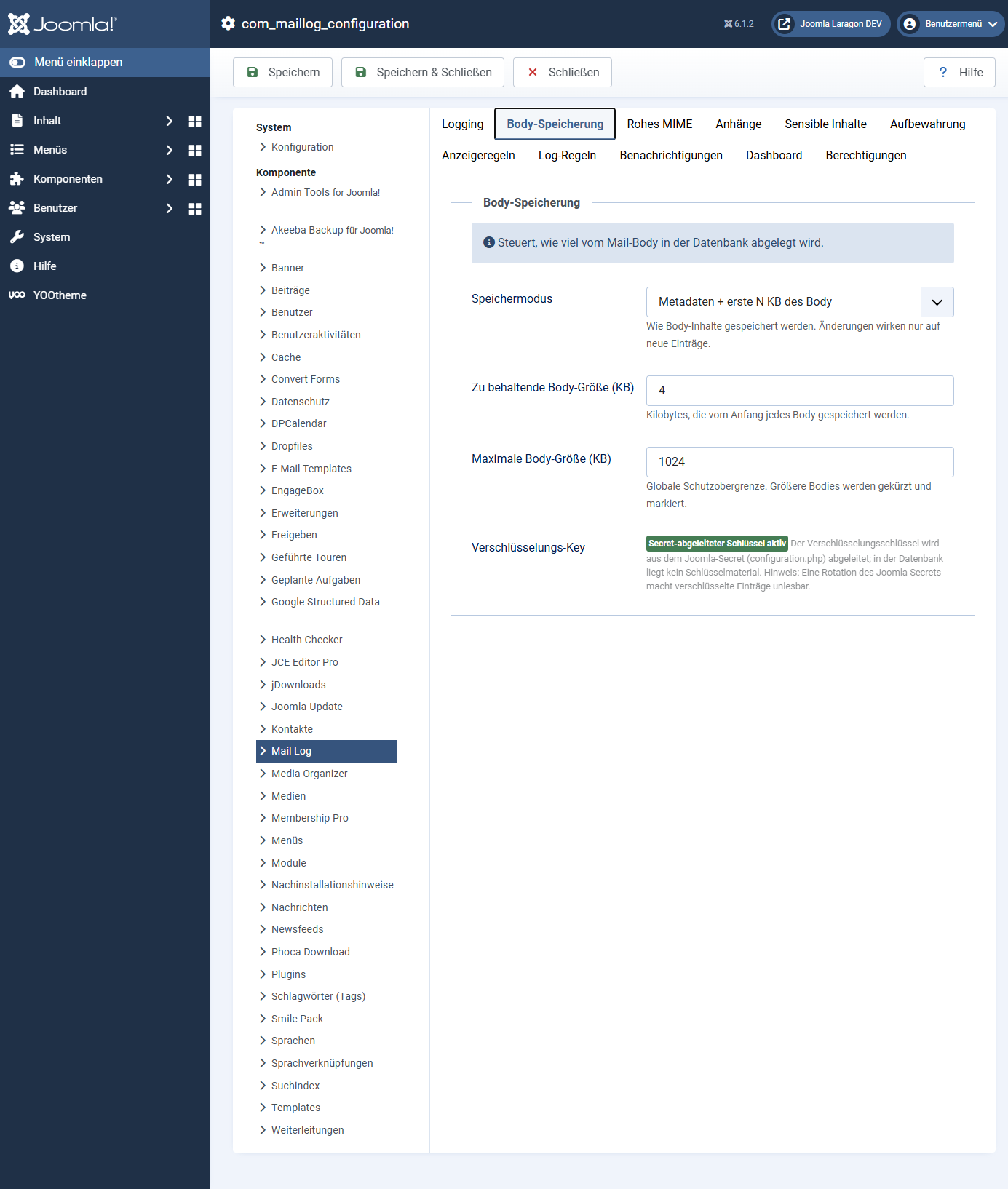
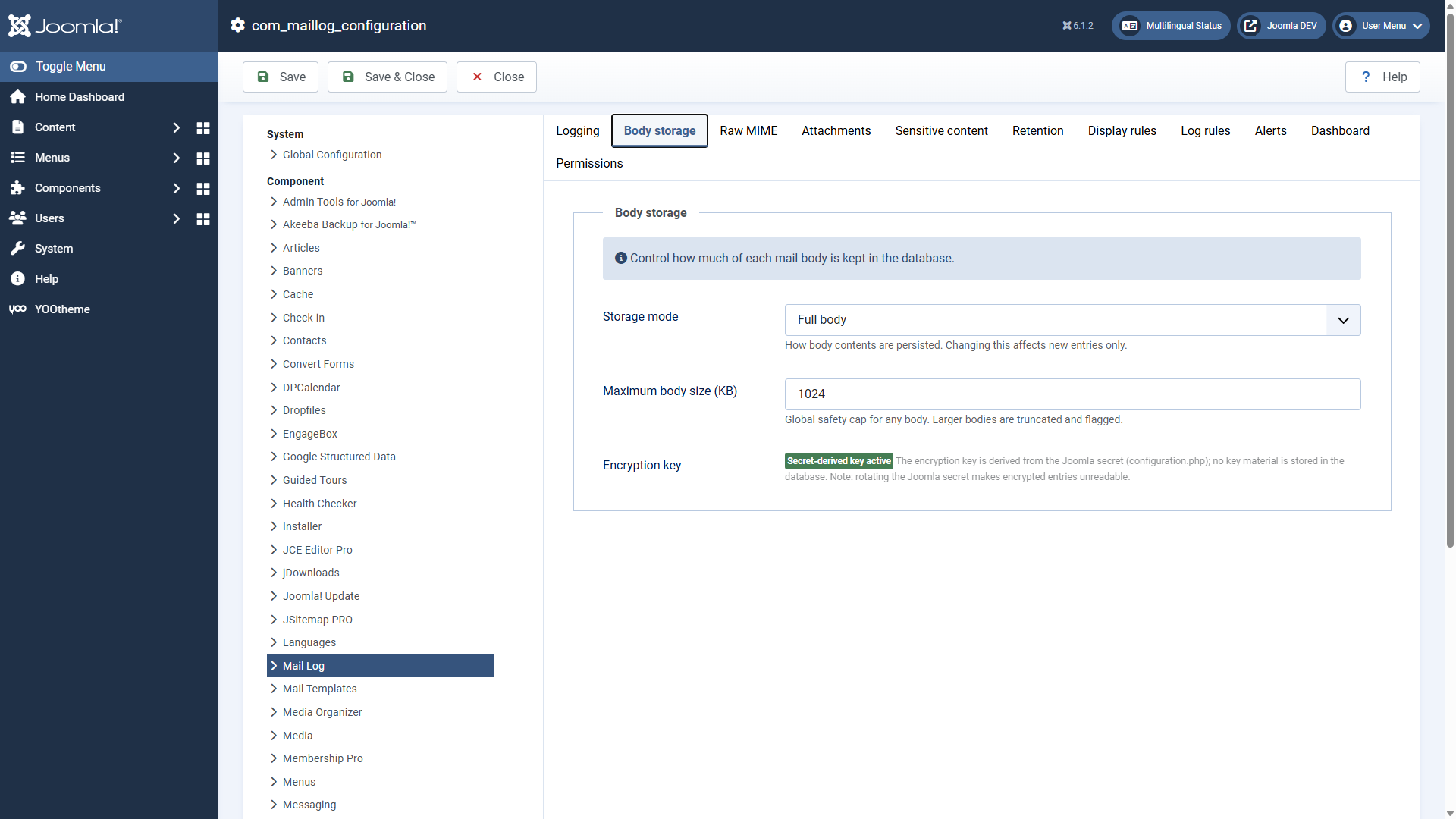
How much of the message text Mail Log stores is up to you. This page explains the storage modes, the encryption and the special treatment of sensitive mails. All settings are found in the options under the tabs body storage, raw MIME and sensitive content.
Changes to the storage mode only affect new entries. Mails already stored stay as they are.
The storage modes for the body
| Mode | What is stored |
|---|---|
| Metadata + first N KB (default) | Only the first kilobytes of the text. Enough for an impression without storing long messages in full. You set the size with body size to keep (KB) (default 4 KB). |
| Full body | The complete text in plain. |
| Full, encrypted | The complete text, encrypted in the database (see below). |
| Full, deleted automatically after N days | The complete text, but the maintenance task removes it again after the configured period and keeps the metadata only. |
| Metadata only | No text at all — only sender, recipient, subject, status and time. |
In addition, maximum body size (KB) limits every text as a global safety ceiling; larger bodies are truncated and marked as truncated in the detail view.
Raw MIME
Independently of the body mode, the tab raw MIME lets you store the exact RFC822 message as it was sent. That allows clean .eml downloads for an audit. Because the raw MIME contains the complete plain text, this option is switched off out of the box. It can be encrypted as well.
Encryption
Mail Log protects encrypted bodies and MIME messages with a modern method (AES-256-GCM or XChaCha20-Poly1305). What matters is where the key comes from:
The key is derived from the Joomla secret (in your
configuration.php) and is not held in the database. An attacker who
captures only the database therefore cannot decrypt the content.
The flip side: if you change the Joomla secret, previously encrypted entries can no longer be read. The secret is part of the core of your Joomla installation that needs protecting anyway — treat it accordingly.
The field encryption key in the options is, as of this version, purely a status display. You do not have to enter or generate anything. If it shows a "legacy key", it comes from an earlier version; the maintenance task migrate legacy-encrypted bodies converts such entries to the new method and removes the legacy key afterwards by itself.
Sensitive mails
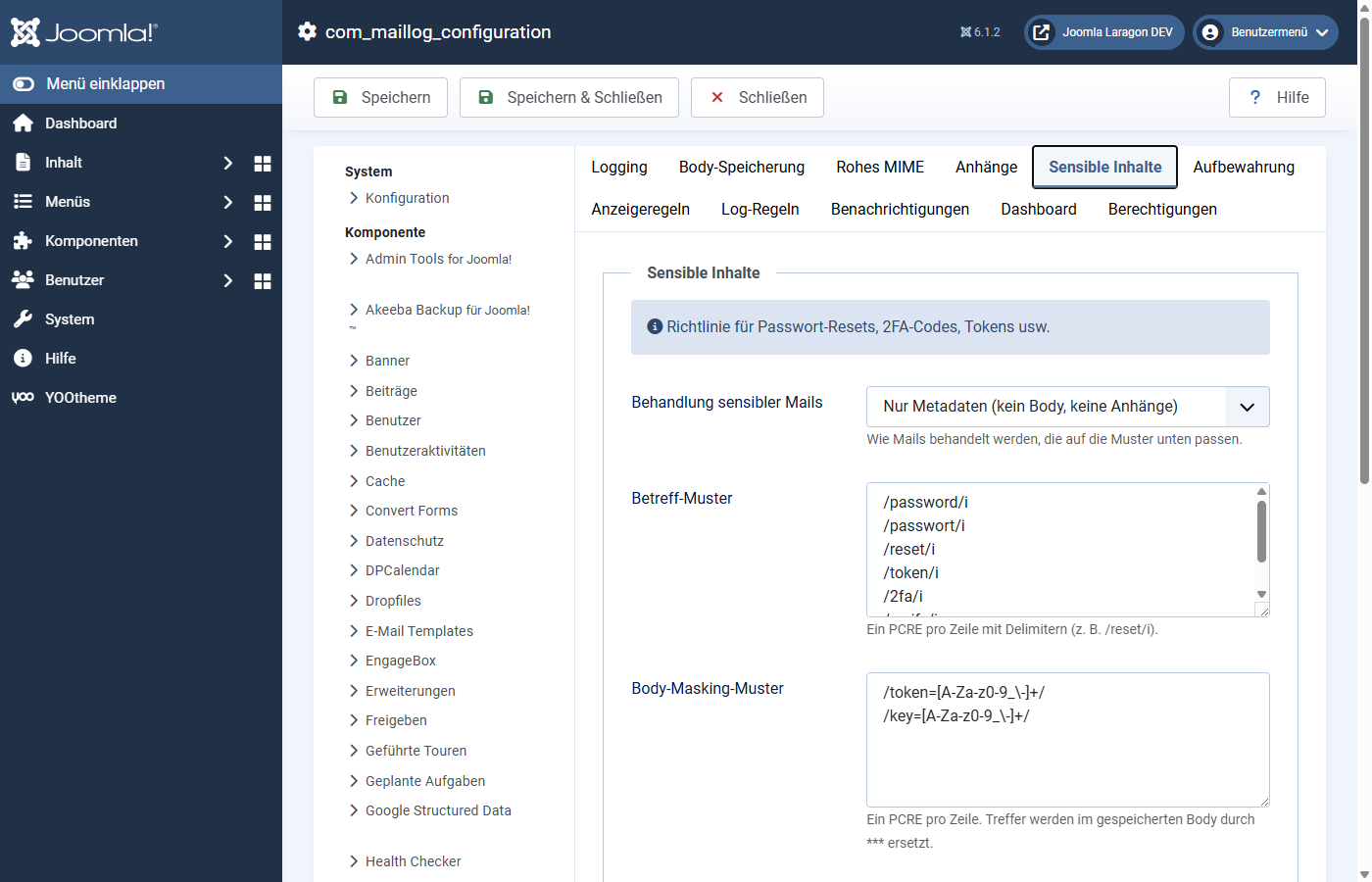
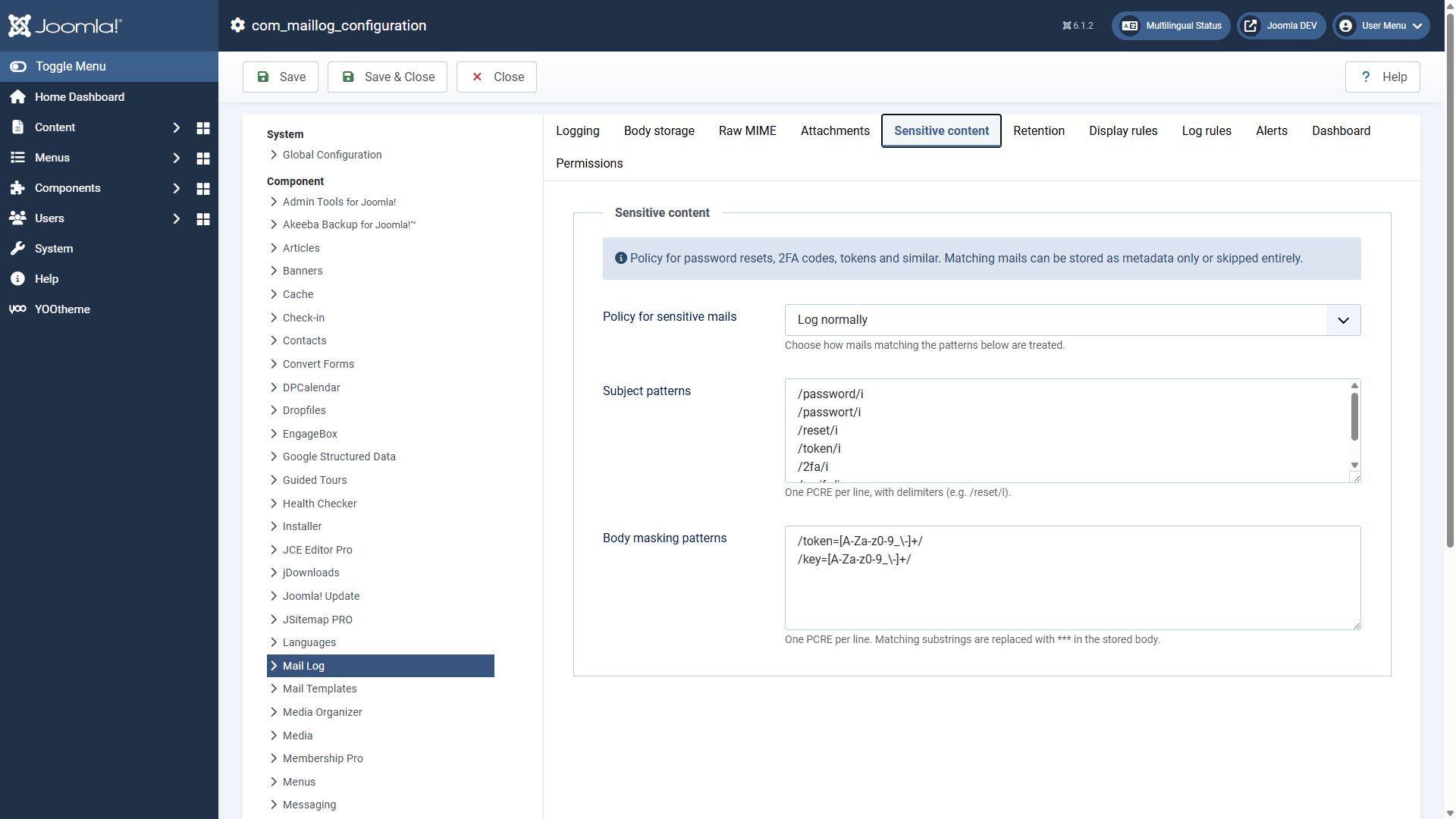
Some mails should never end up in the log in plain text — password resets, confirmation links, one-time codes. Mail Log recognises them by the subject line and treats them separately.
The tab sensitive content holds two pattern lists for this (one regular expression per line) and one policy:
| Subject patterns | If the subject matches one of the patterns, the mail counts as sensitive. Out of the box there are patterns for password, passwort, reset, token, 2fa, verify and verifizier. |
| Handling of sensitive mails | Metadata only (default, no body, no attachments), log normally or do not log at all. |
| Body masking patterns | Additional patterns whose matches are replaced by *** in the stored text — token=… or key=…, for example. |
With the default settings a password reset link therefore does not end up in the log, without you having to set anything up.
Applies to version 1.0.4.