
Versions and expiry date (Pro)
WirdPro synchronisiertversion. …This feature is part of the Pro version of Fileshelf. What the Free version does is
covered under Free version and Pro version.
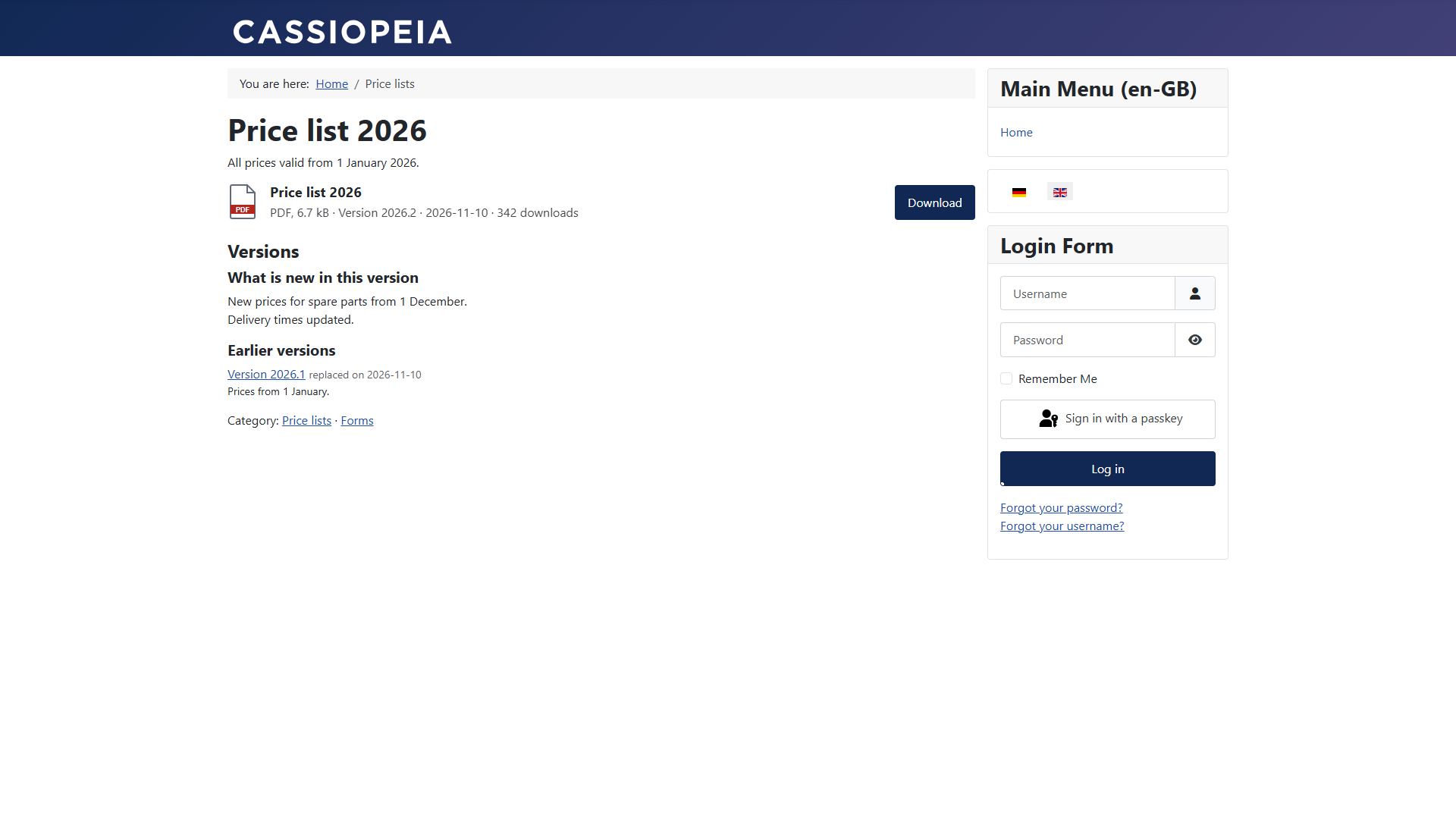
When you replace the file of a download, the earlier file stays as a version. Visitors find it on the download page, with what changed. A download can also get an expiry date.
Adding a new version
The earlier file moves to a subfolder _versions of its category folder and keeps its label and its
changes. Tools and media manager treat it as in use.
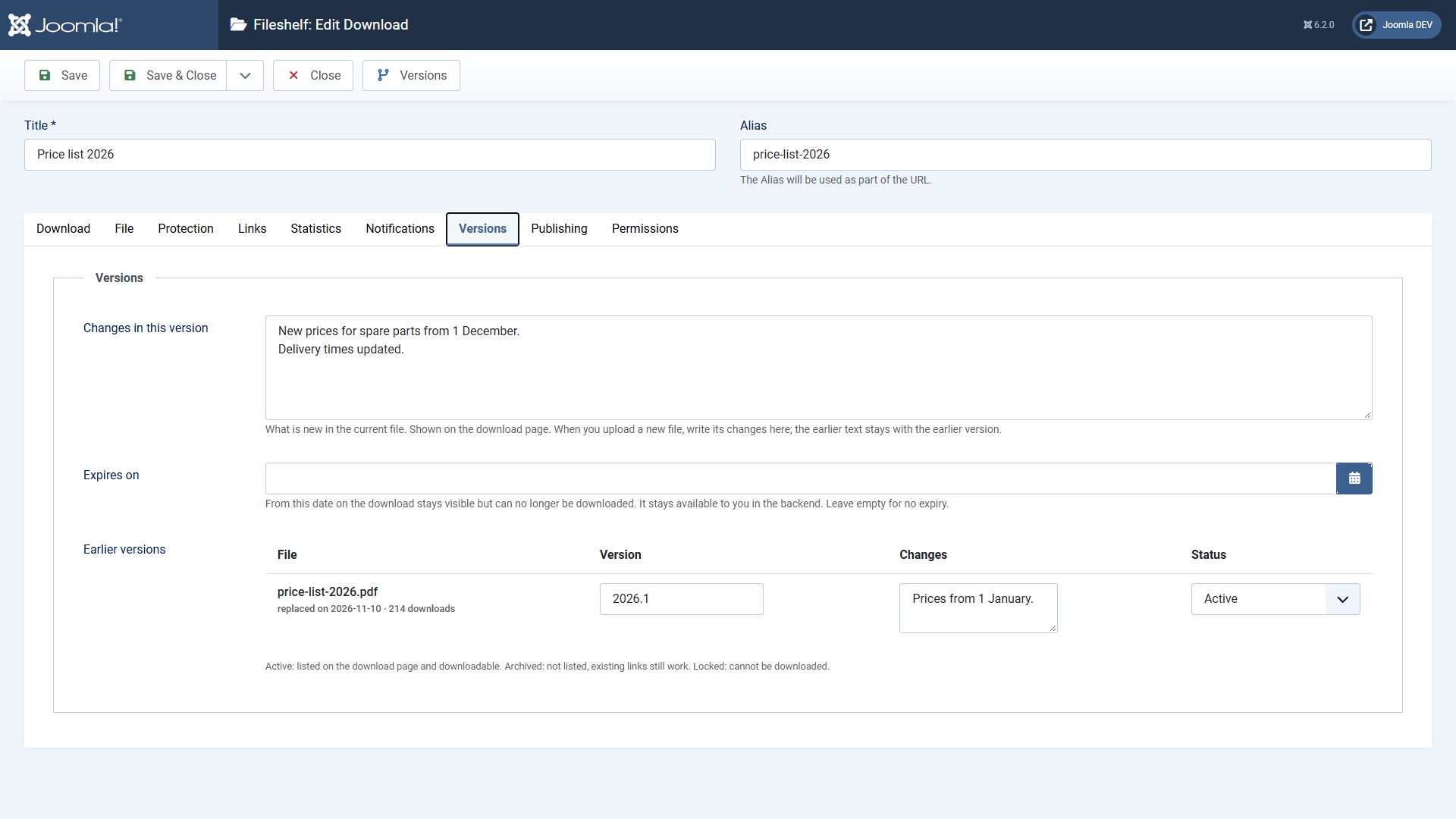
Managing earlier versions
Each earlier version has a label, changes, a counter of its own and a status:
Whether visitors may download earlier versions at all is set in the plugin Fileshelf - Versions (Earlier versions public, default: yes).
On the website
Expiry date
Enter a moment under Expires on in the tab Versions. From then on the download stays visible on the website but shows a lock saying it has expired. In the backend you can still download the file. Clear the field and the download is available again.
Unlike Finish Publishing (tab Publishing): there the download disappears from the website altogether.