
Tools
You reach the tools from the dashboard. They are only available to users with the permission “Configure ACL & Options” on Fileshelf (Super Users and administrators with this permission).
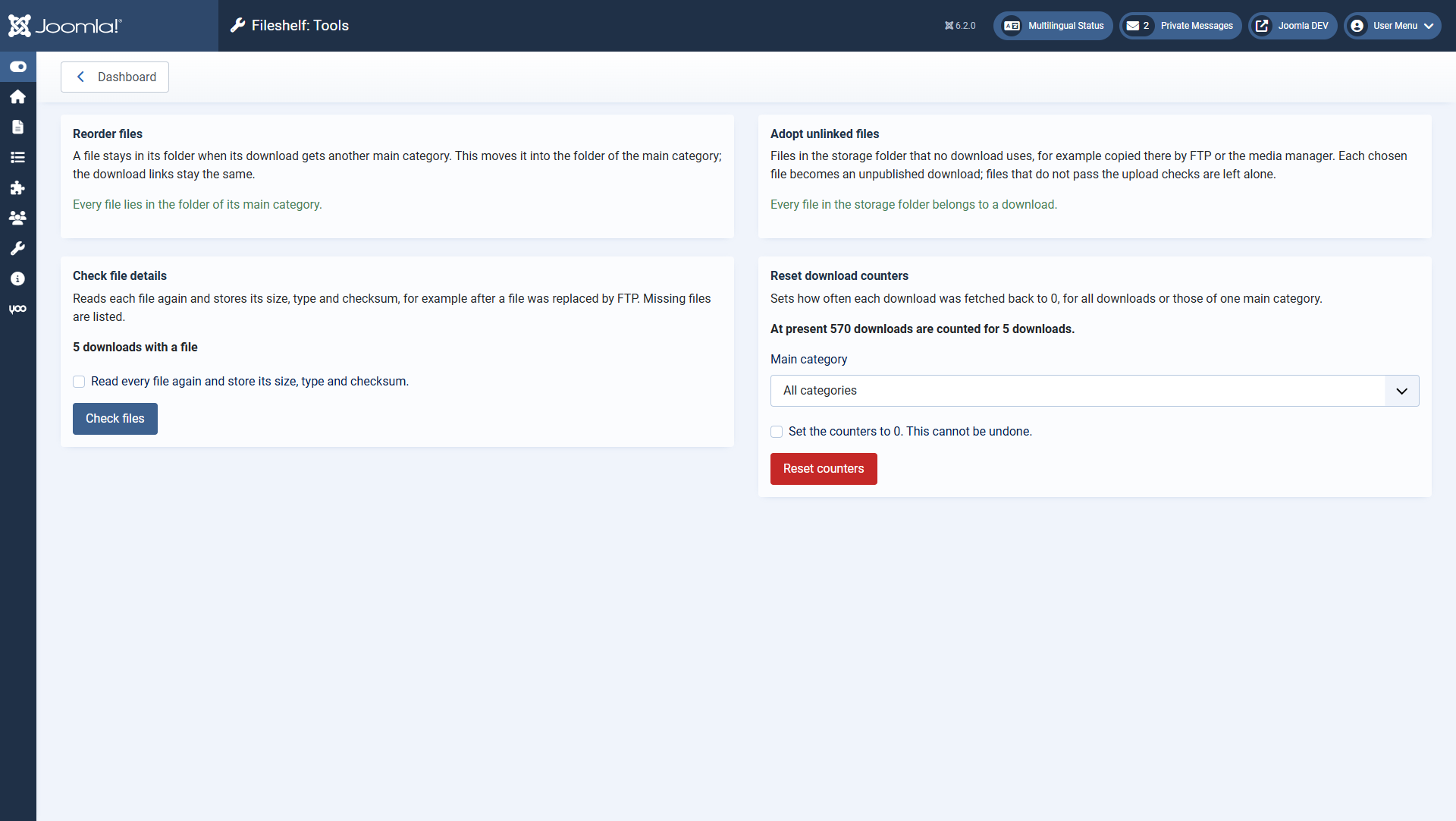
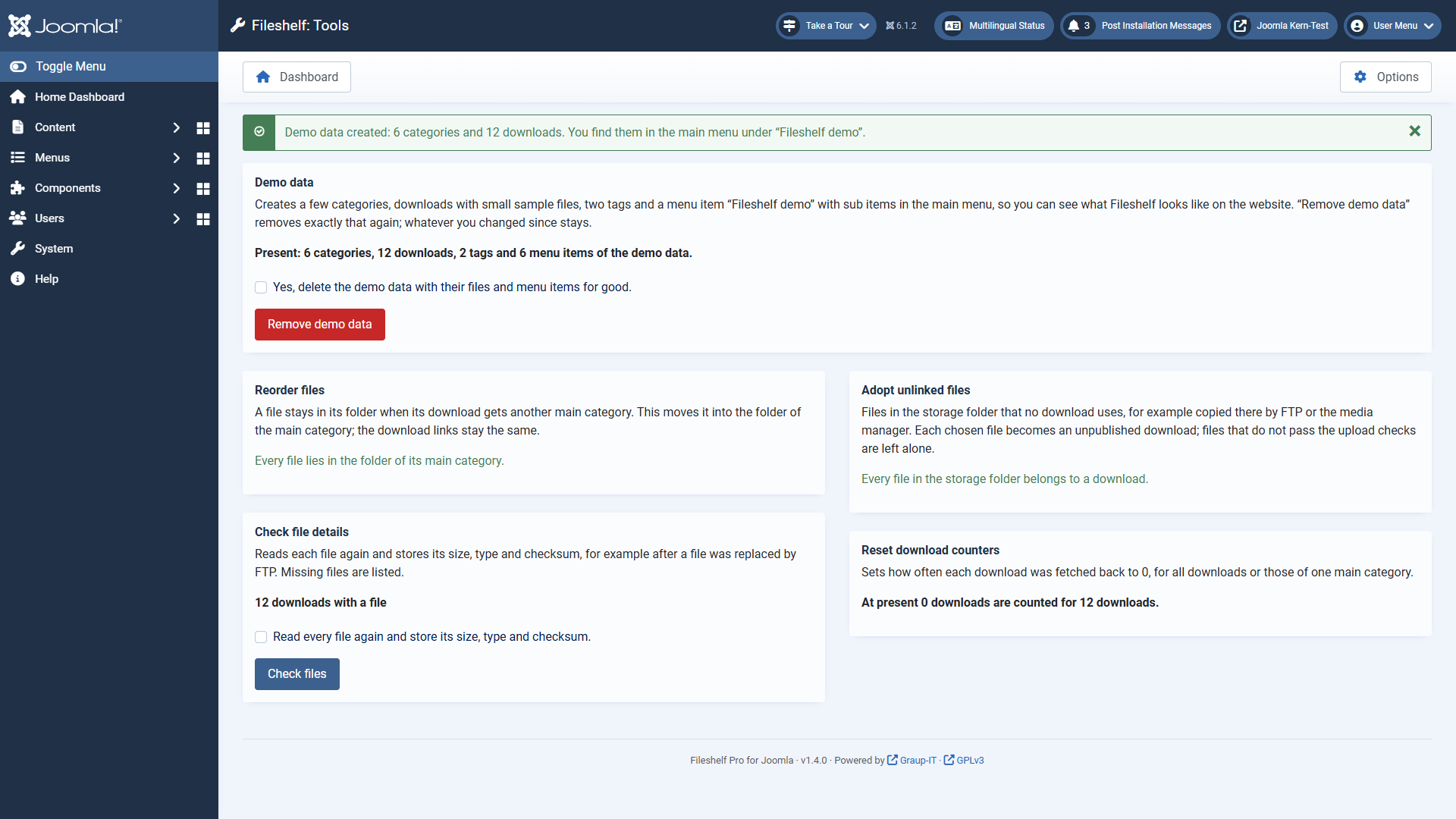
Each tool shows beforehand what it would do. It only runs once you tick the confirmation box and click the button.
| Tool | When you need it |
|---|
demo), twelve downloads
with small sample files, two tags and, in the main menu, the menu item “Fileshelf demo” with one sub item each for
the layouts list, cards and table, a single download and the latest downloads. “Remove demo data” removes exactly
that again, files included. Whatever you changed since, or downloads of your own in a demo category, stay; the
preview names them.
Reorder filesA file stays in its folder when its download gets another main category. The
tool moves it into the folder of the main category; the links stay the same.
Adopt unlinked filesYou copied files into the storage folder by FTP or the media manager.
Choose files and category; each file becomes an unpublished download with the file name as title. Files
that do not pass the upload checks are left alone.
Check file detailsYou replaced a file by FTP. The tool reads each file again and stores
size, type and checksum; it names missing files.
Reset download countersSets the counters of all downloads, or of those of one main
category, to 0. This cannot be undone.