WirdYou synchronisiertreach …the tools from the dashboard. They are only available to users with the permission “Configure ACL & Options”
on Fileshelf (Super Users and administrators with this permission).
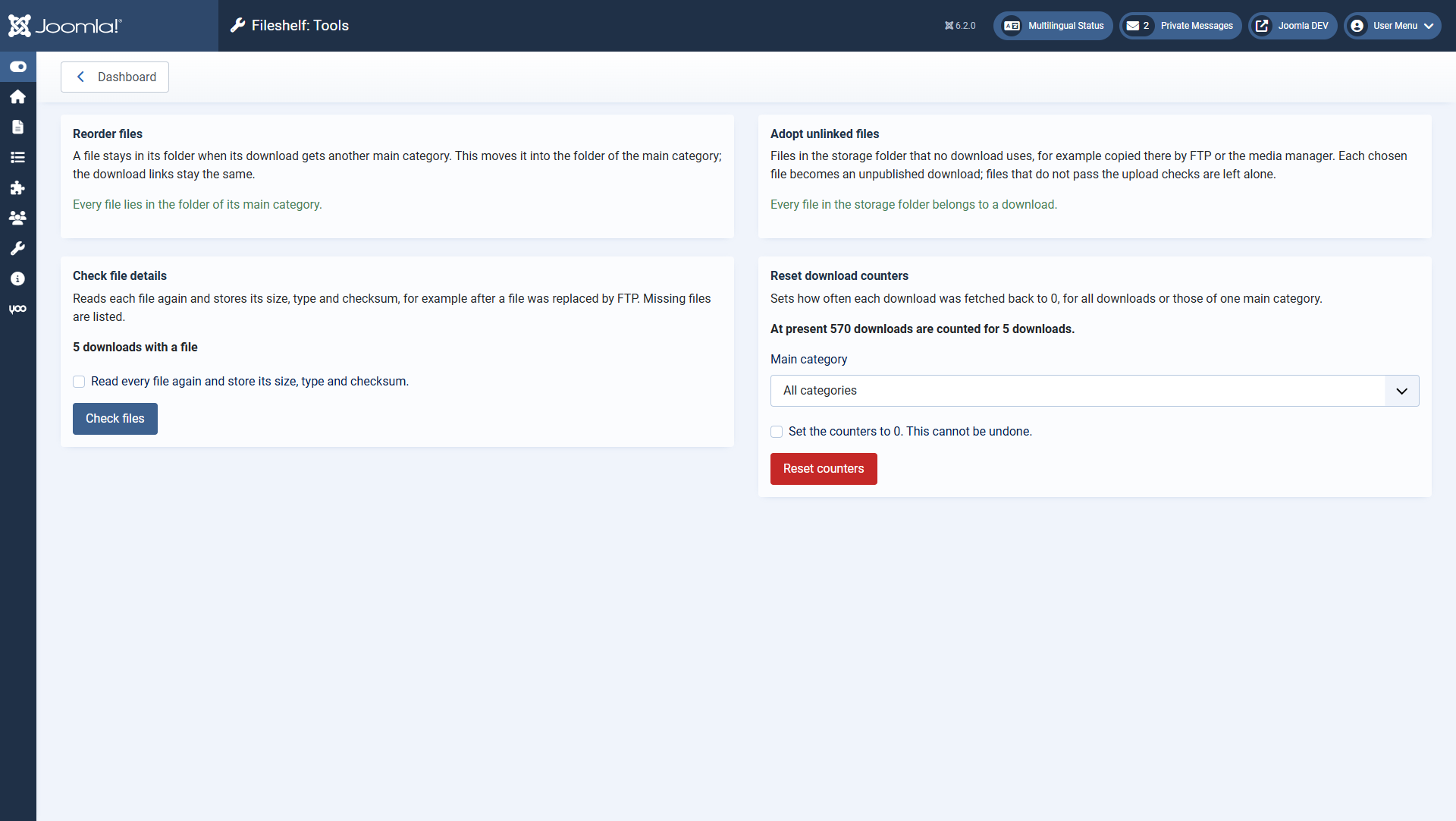
Each tool first shows what it would do.
Each tool shows beforehand what it would do. It only runs once you tick the confirmation box and click
the button.
ToolWhen you need it
Reorder filesA file stays in its folder when its download gets another main category. The
tool moves it into the folder of the main category; the links stay the same.
Adopt unlinked filesYou copied files into the storage folder by FTP or the media manager.
Choose files and category; each file becomes an unpublished download with the file name as title. Files
that do not pass the upload checks are left alone.
Check file detailsYou replaced a file by FTP. The tool reads each file again and stores
size, type and checksum; it names missing files.
Reset download countersSets the counters of all downloads, or of those of one main
category, to 0. This cannot be undone.