
Requirements and installation
Requirements
Installing
pkg_fileshelf-<version>.zip.
In the backend open System → Install Extensions and drop the ZIP file into the
field.
After the installation Joomla shows an overview of the package with links to the dashboard.
WirdOn synchronisiertinstallation …Fileshelf creates the storage folder fileshelf/ in the Joomla folder and
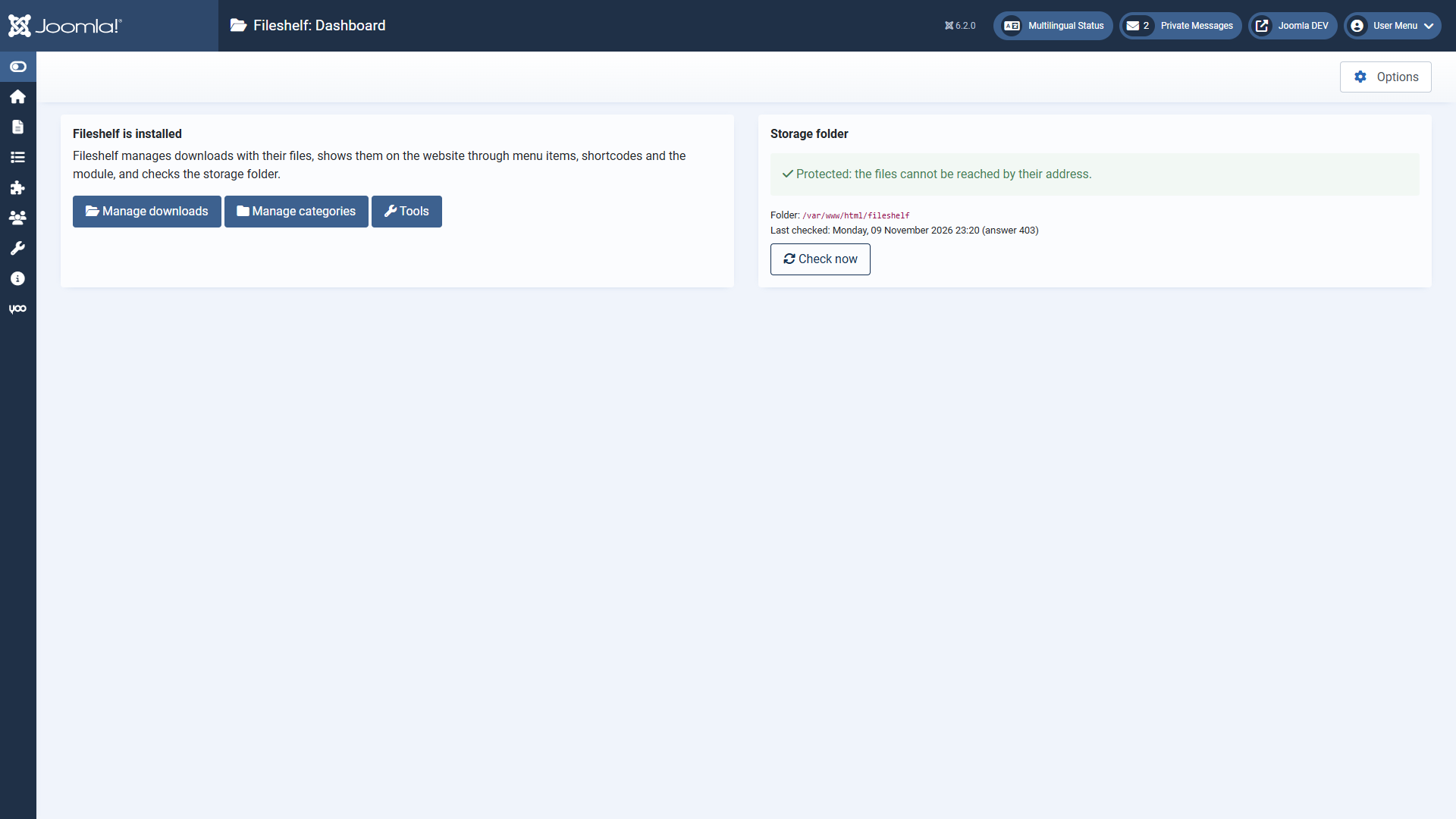
writes protection files into it. Then open Components → Fileshelf → Dashboard: it shows
whether the folder is protected (see Storage folder and self-test).
Updates
New versions appear under System → Update → Extensions. An update keeps your downloads, files and settings; it works from any earlier version.
Uninstalling
When you uninstall the package, Joomla removes the tables of Fileshelf. The storage folder with your files stays – delete it by hand if you no longer need it.