
Password protection
In addition to access levels, a password can protect a download. The visitor enters it once and then downloads without needing a user account.
Password for one download
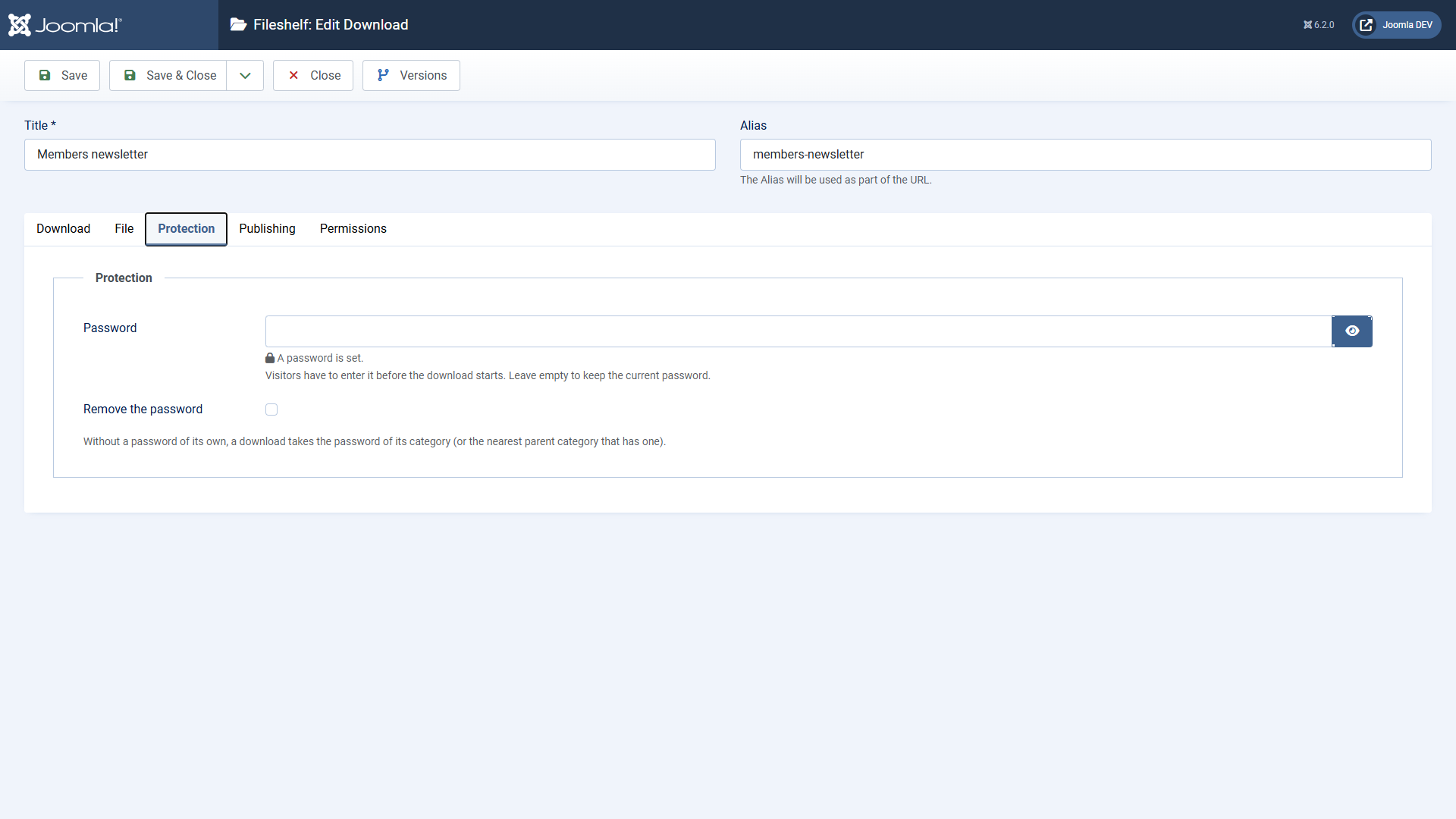
- Enter a password in the tab Protection and save.
- Leaving it empty keeps the current password.
- Remove the password lifts the protection.
Password for a category
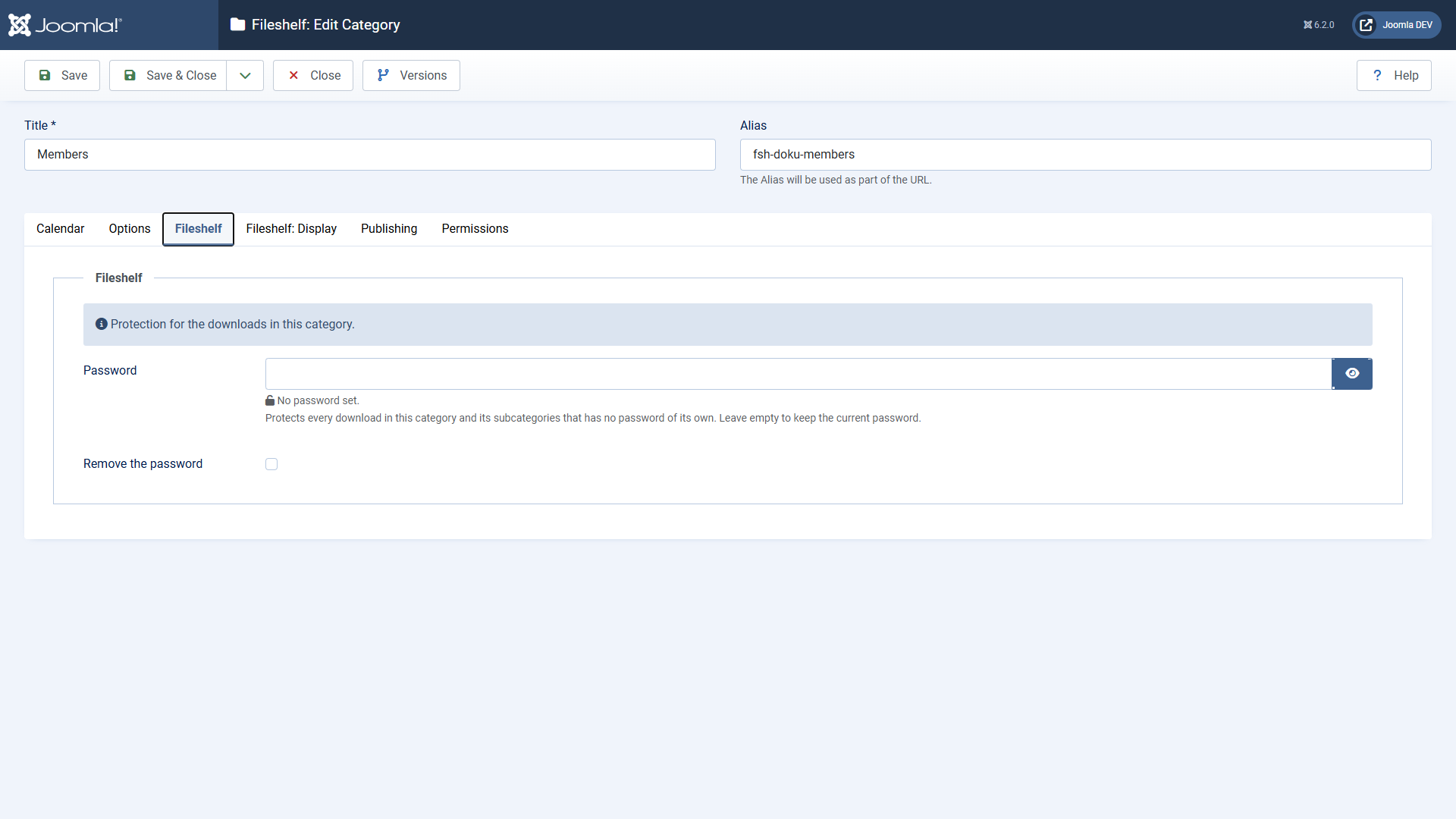
A category password applies to every download of the category and its subcategories that has no password of its own. Whoever entered it once can fetch all these downloads.
What the visitor sees
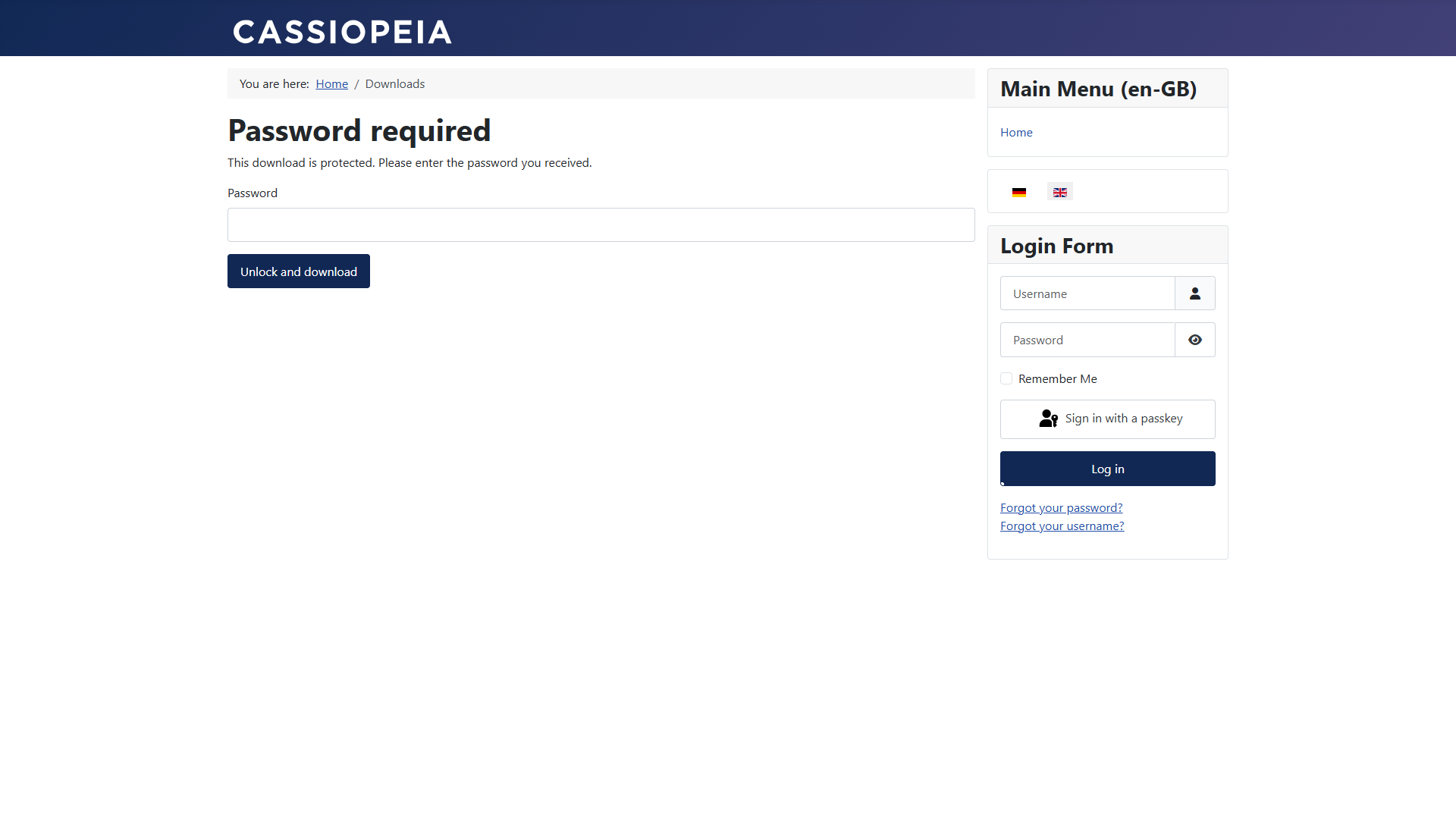
- Lists show a lock with the link Enter password instead of the button.
- After the right password the download starts at once.
- For the time in Options → Downloads → Password valid for (minutes) Fileshelf does not ask again (default 120 minutes; 0 until the browser session ends).
- After several wrong attempts the visitor has to wait briefly; the wait grows with every further wrong attempt, up to one minute. If a captcha is set up in Joomla, it is added after many wrong attempts.
Fileshelf stores passwords only encrypted (as a hash). They appear neither in the form nor in the version history nor in an address. Simply set a forgotten password anew.