
Media manager
WirdThe synchronisiertplugin …FileSystem - Fileshelf shows the storage folder in the media manager as the
area Downloads. So you see folders and files, upload files and create folders without
FTP.
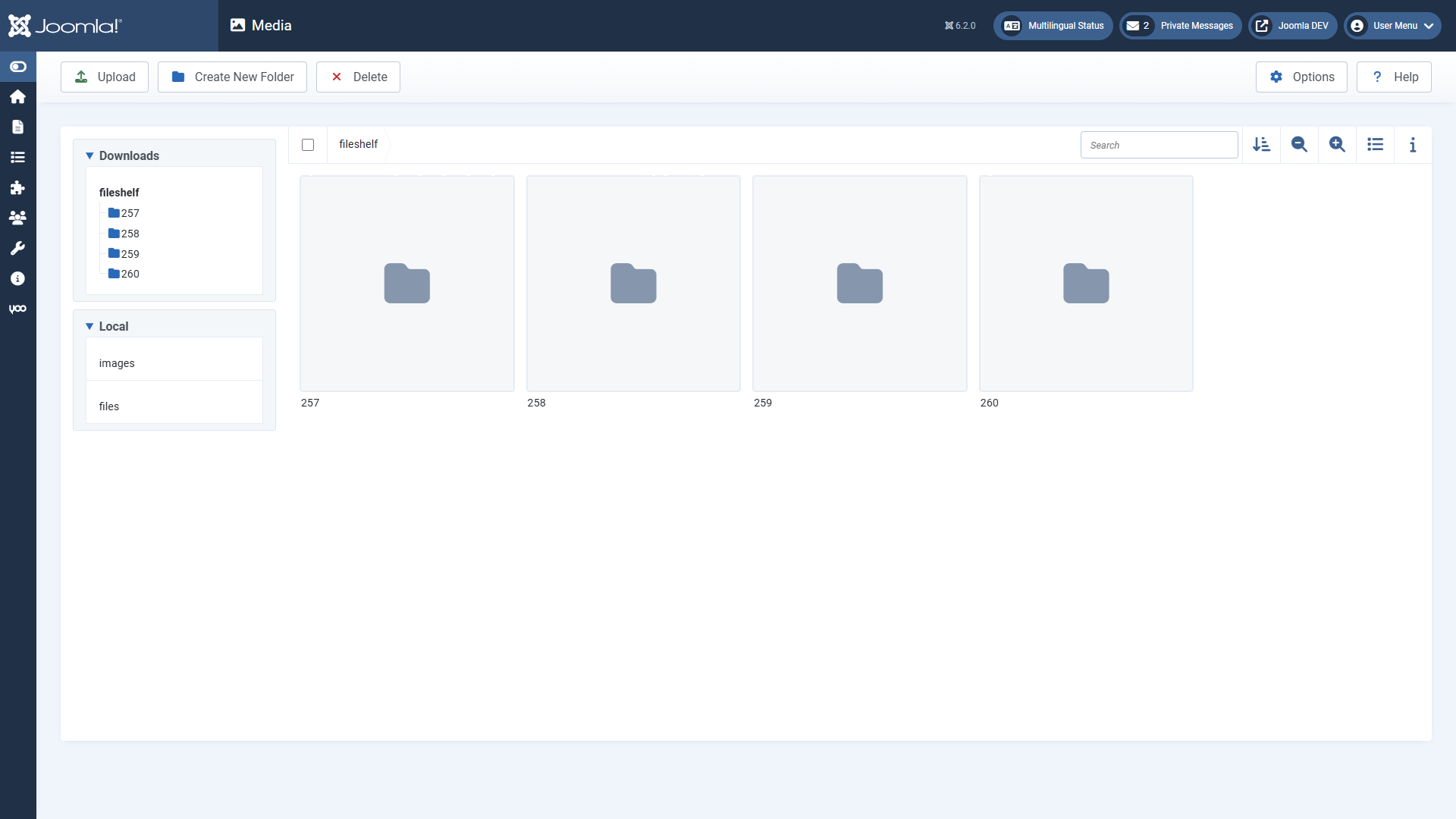
What differs from normal folders
Limit
The media manager only shows file types allowed in its own options (Media → Options). If
extensions such as zip or docx are missing there, such files do not appear in the
area although Fileshelf manages them. Add the extensions there if you want to see them in the media
manager. New downloads are best created in the download form; files uploaded through the media manager can
be chosen there under Or choose a file from the storage folder or adopted with the
tools.