
Media manager
The plugin FileSystem - Fileshelf shows the storage folder in the media manager as the area Downloads. So you see folders and files, upload files and create folders without FTP.
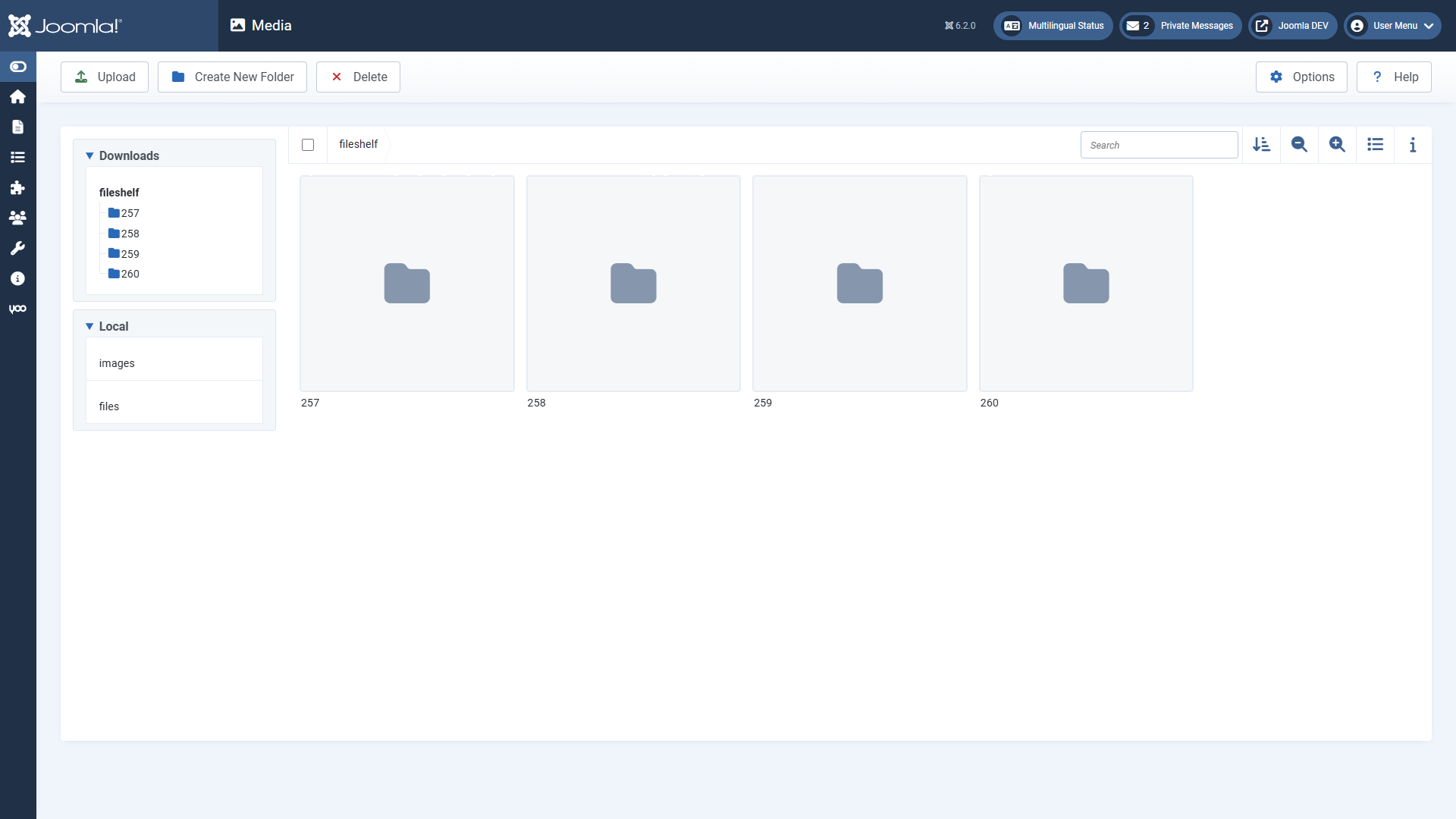
What differs from normal folders
- Address: a file a download uses has the address of the download – not that of the file. Whoever inserts it links through Fileshelf, with protection and counter. Files without a download have no address.
- Uploading: the same checks as in the download form apply.
- Protection: a file a download uses cannot be deleted, moved or overwritten here – nor can a folder holding such files. Change or delete the download first.
- Visible is the area only to users who may manage Fileshelf.
Limit
The media manager only shows file types allowed in its own options (Media → Options). If
extensions such as zip or docx are missing there, such files do not appear in the
area although Fileshelf manages them. Add the extensions there if you want to see them in the media
manager. New downloads are best created in the download form; files uploaded through the media manager can
be chosen there under Or choose a file from the storage folder or adopted with the
tools.