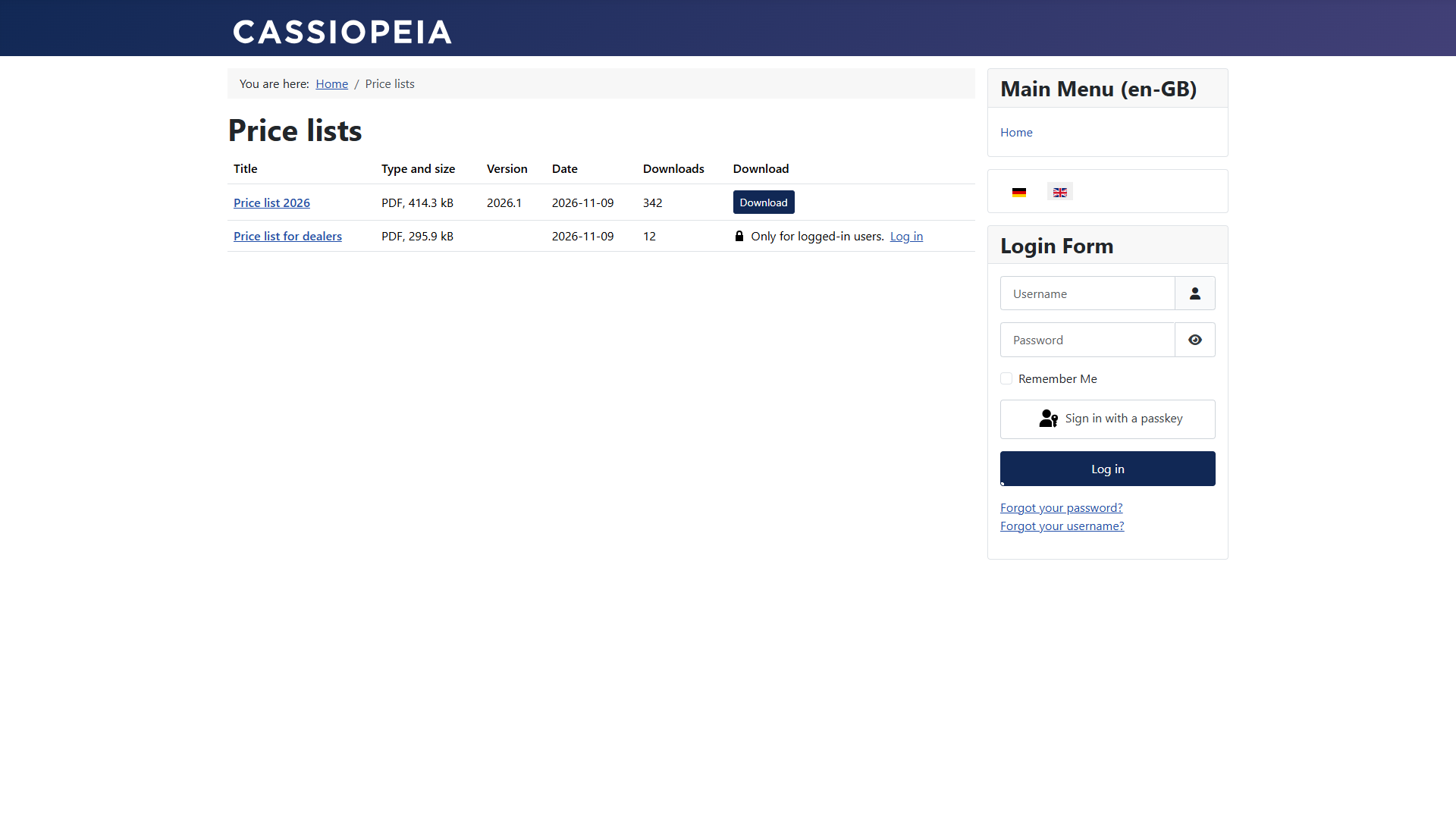
Downloads on the website
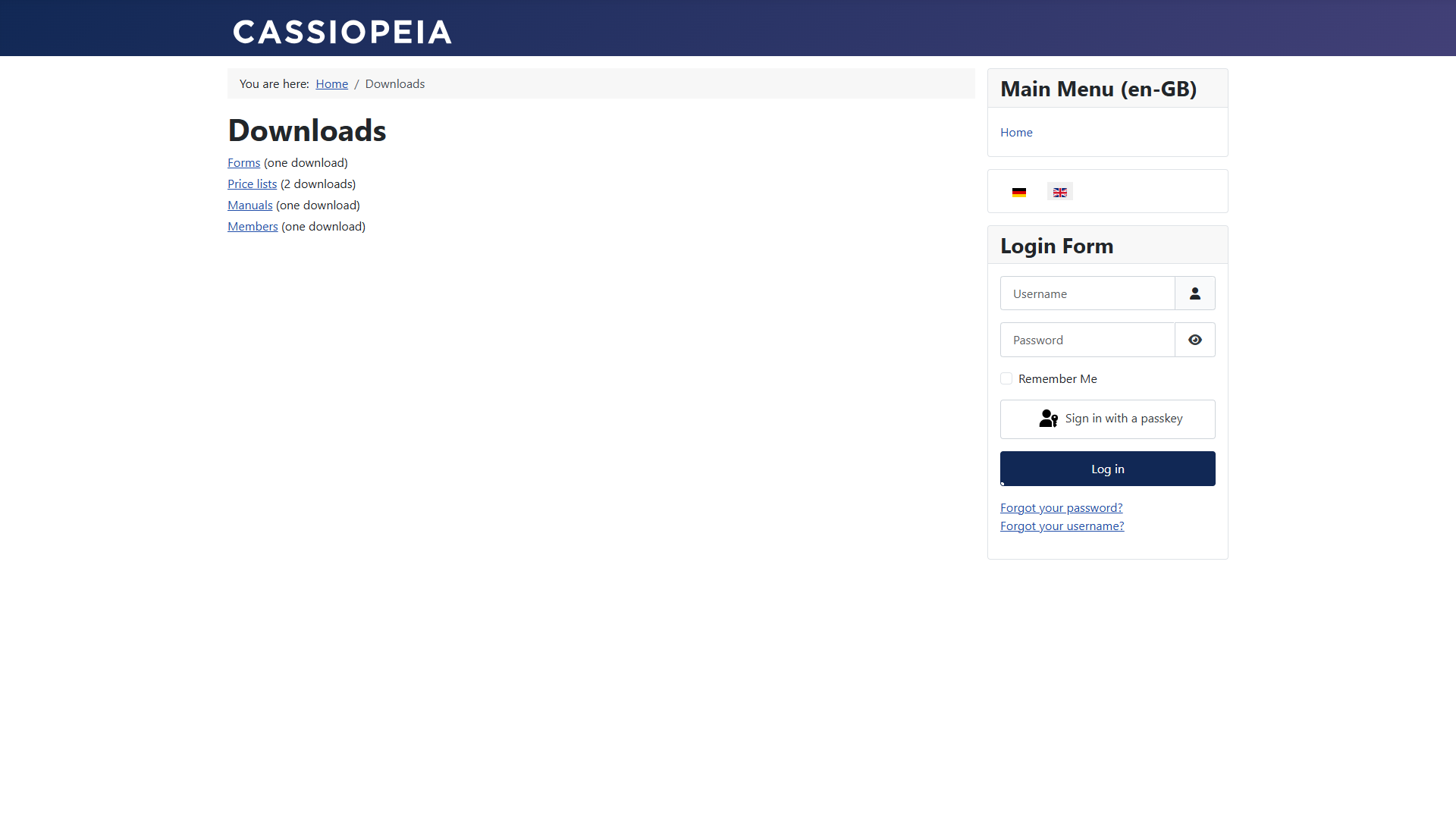
The menu item types
| Type | Shows | Important settings |
|---|---|---|
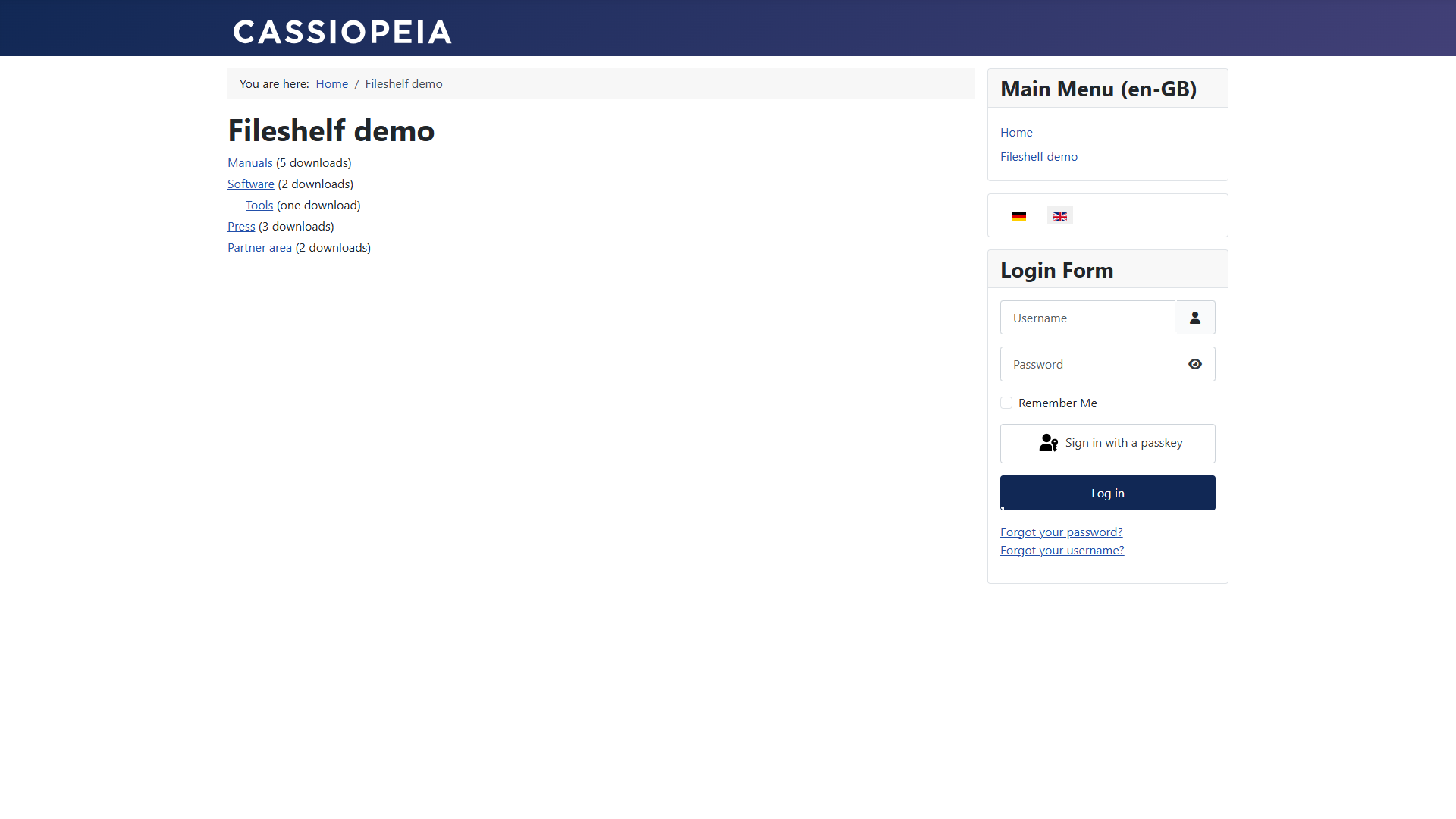
| Categories | Categories as a tree, with the number of downloads | Root category, levels, show number |
| Category | The downloads of a category and its subcategories | Layout, ordering, number per page, details (size, version, date, counter, tags), show locked downloads |
| Single download | The page of a download | Send the file directly instead of showing the page |
| Latest downloads | The most recently created downloads | Number, categories, period in days |
List,Three tablelayouts andof cardsa category
Each