
Downloads on the website
The menu item types
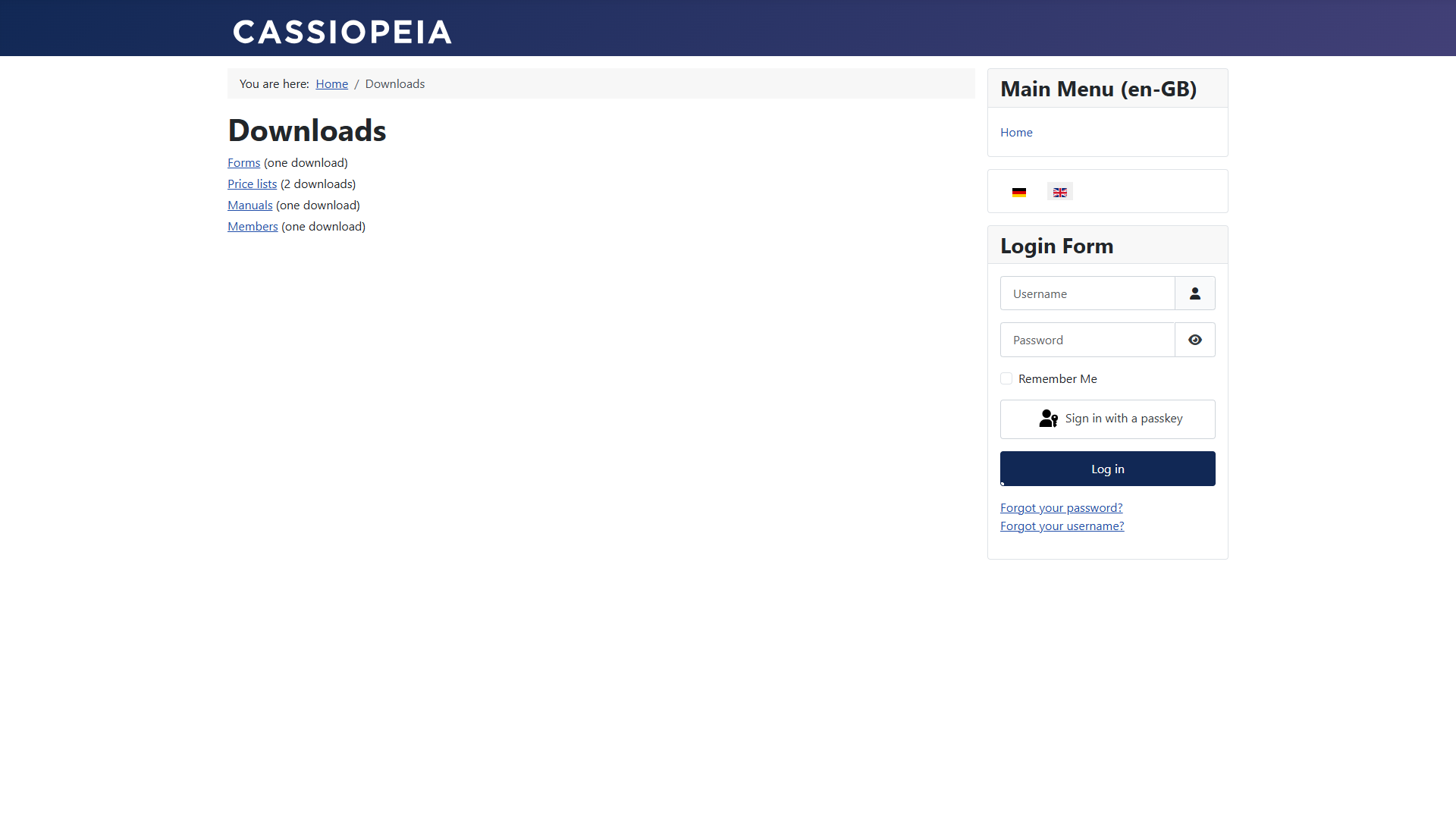
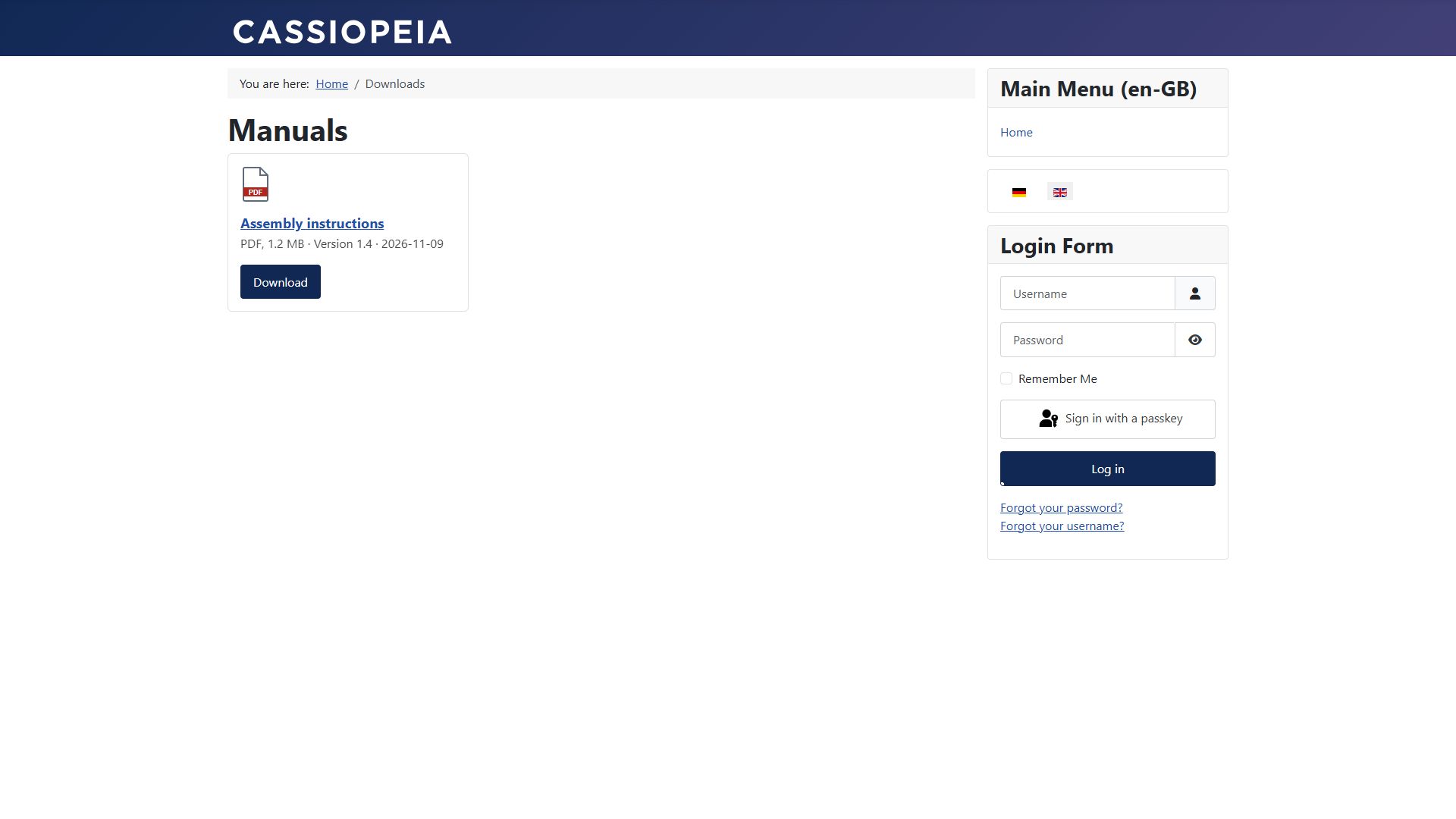
List, table and cards
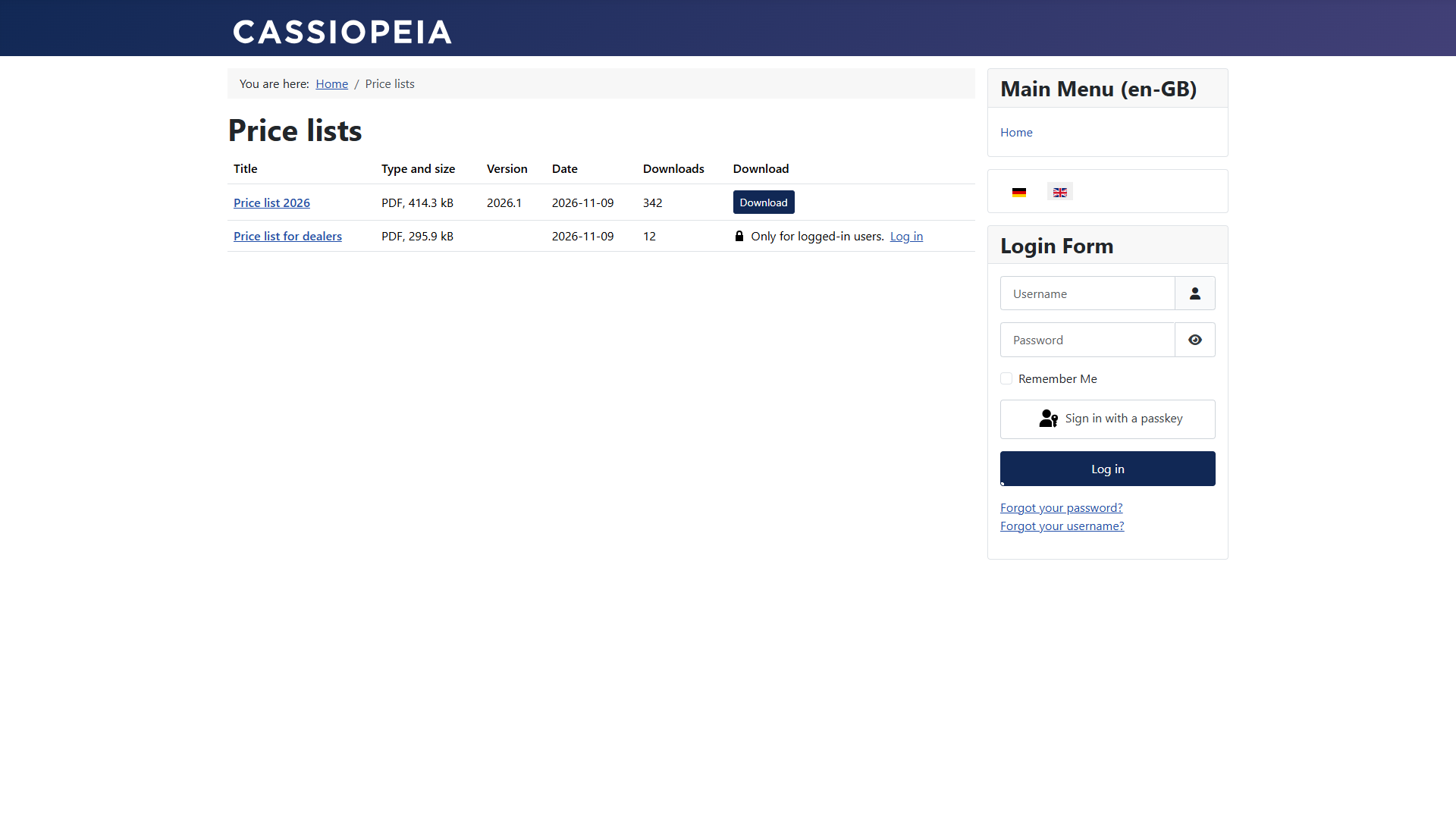
Locked downloads
Downloads whose access level the visitor lacks are hidden. With Show locked downloads (options or menu item) they appear with a lock and a link to log in. Password-protected downloads always stand in the list, with the link Enter password.
The page of a download
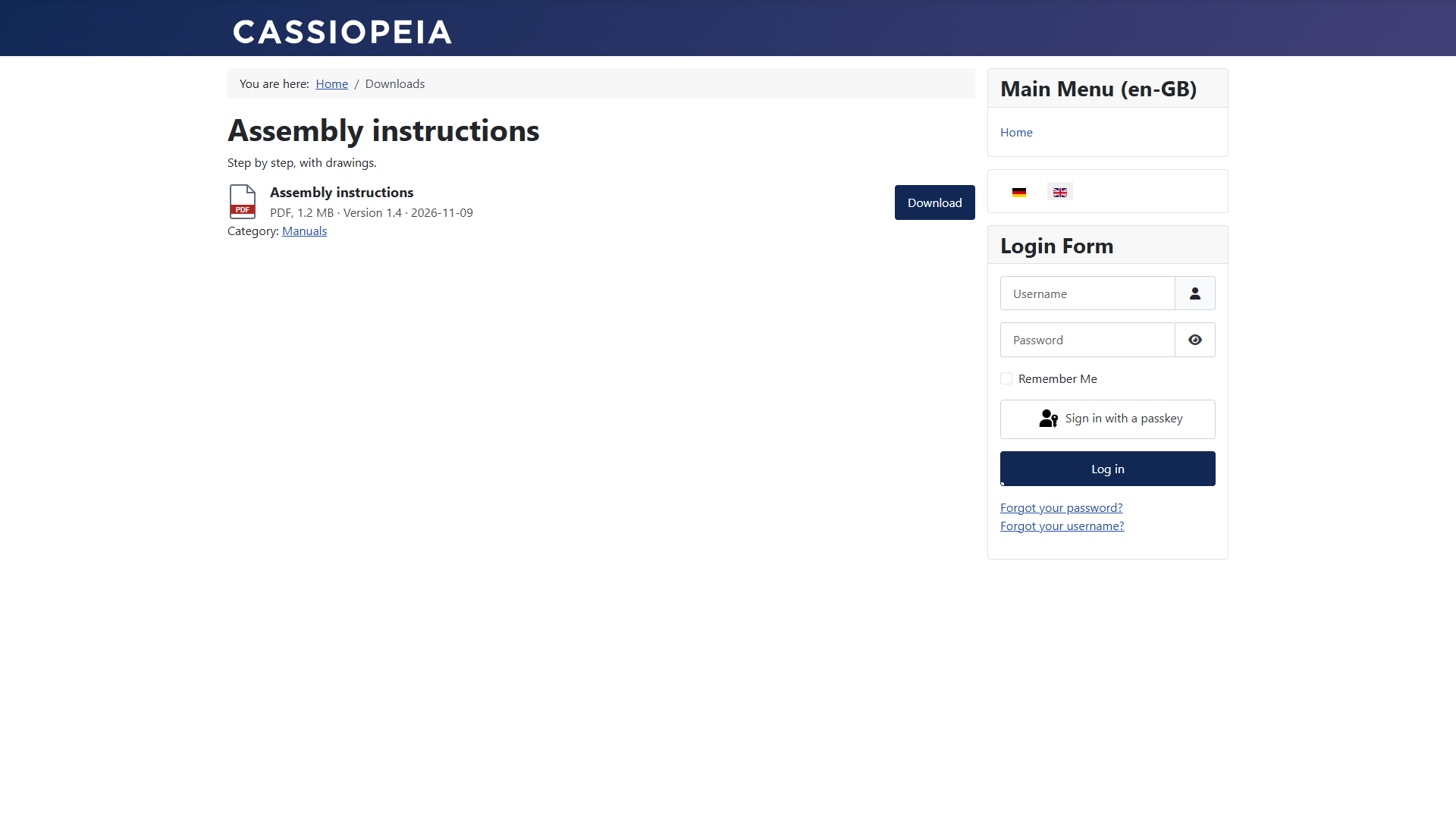
If a download appears in several categories, its page tells search engines that the address under the main category is the authoritative one (canonical). So it does not count twice.
Addresses
With search engine friendly URLs switched on, the addresses look like this:
…/price-lists/price-list-2026
File: …/price-lists/price-list-2026/file
Password form: …/price-lists/price-list-2026/unlock
The option Remove IDs from URLs (Options → Integration) decides whether the number of the download stands in the address. The alias of a download must be unique per category.