
Categories
WirdFileshelf synchronisiertuses …Joomla's categories. You manage them under
Components → Fileshelf → Categories like article categories – with subcategories, access
levels, language and permissions.
Additional tabs
In the form of a category Fileshelf adds two tabs:
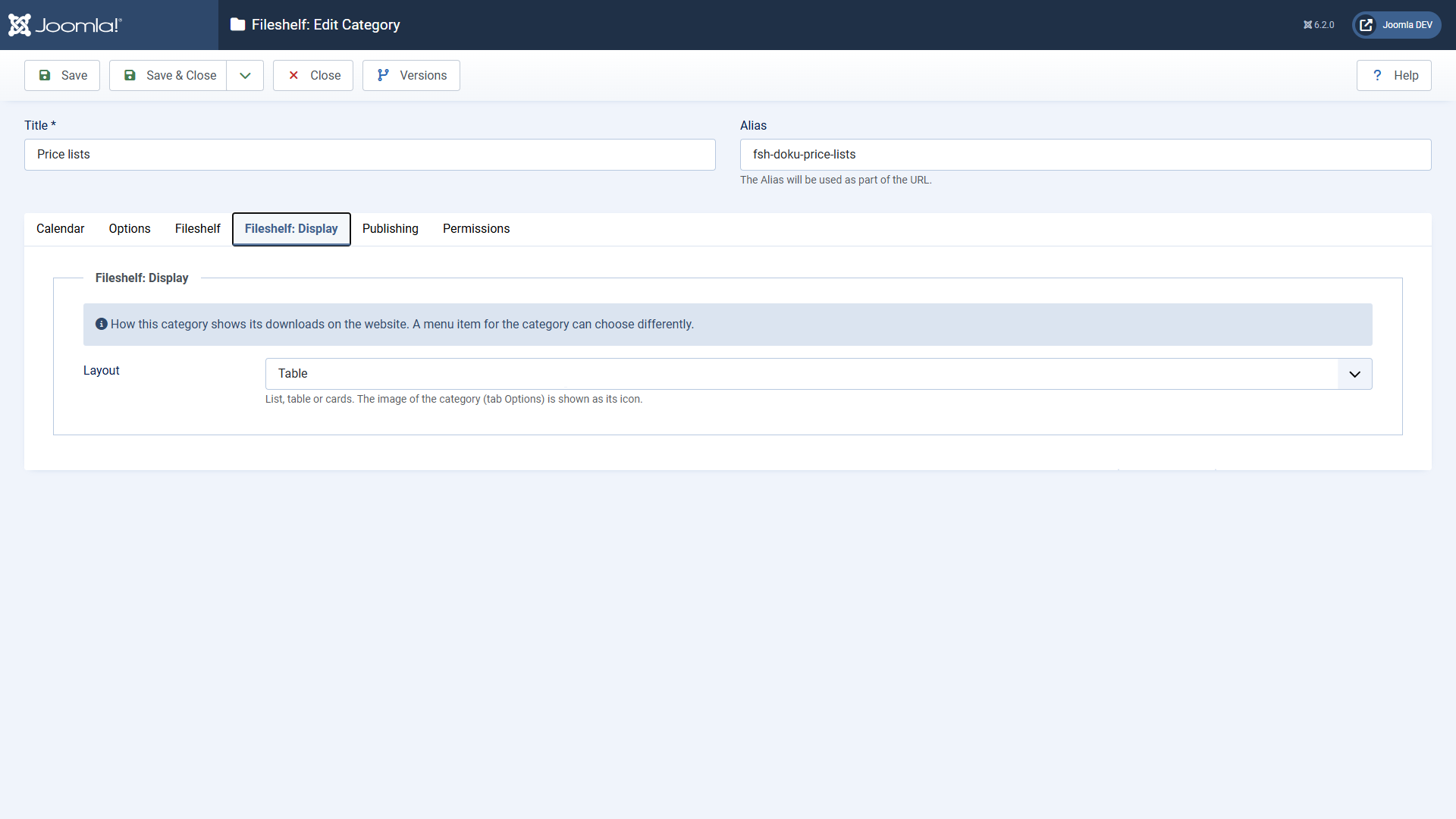
Which display applies is decided in this order: the menu item of the category, then the category, then Options → Display → Layout.
The image as icon
The image of the category (tab Options → Image in the category form) appears small in front of the category's name and next to its heading on the website.
Access through additional categories
Under Options → Downloads → Access through additional categories you decide whether only the main category counts for a download (default) or whether the access levels of its additional categories must allow it as well (Strictest).
Deleting
A category that still holds downloads cannot be deleted. Move or delete the downloads first. When a category is deleted, Fileshelf also removes it as an additional category from the downloads.