# Notion Source at a glance
Notion Source makes your Notion databases available as a dynamic content source in the YOOtheme Pro page builder. You store your Notion integration token once; after that every database you have shared with the integration becomes a source in the builder: you pick a database, filter and sort it if needed, and use the entries and their properties directly in your layouts.
Notion Source is a system plugin for Joomla 6 and produces no output of its own in the frontend — the content appears where you place it in the YOOtheme builder.
The screenshots in this manual were taken on a German Joomla installation. The extension follows the language of your installation, so the labels appear in English on an English backend.
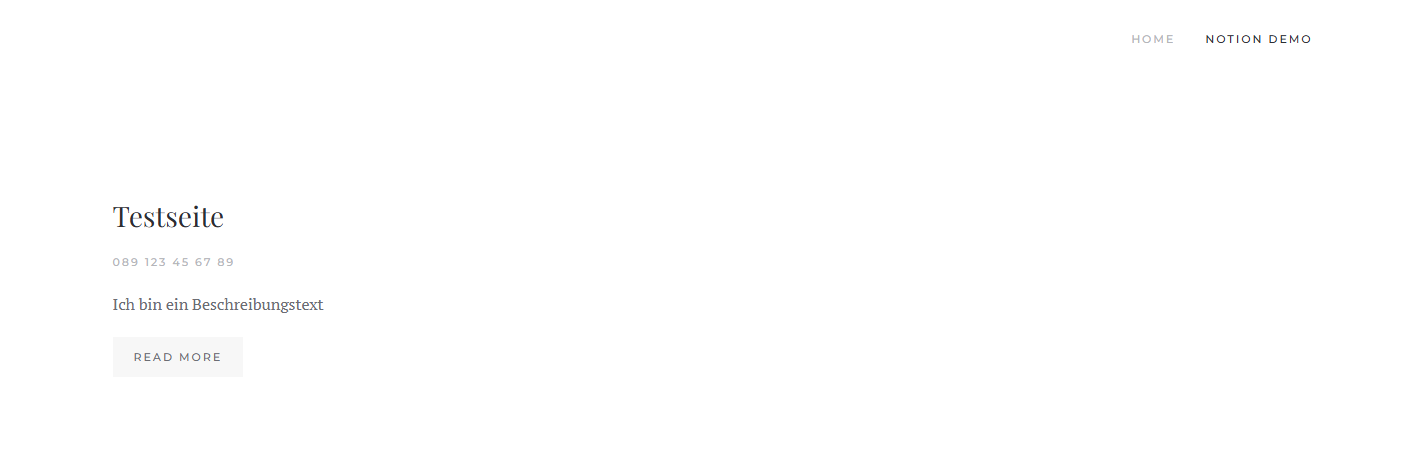 A page built with the YOOtheme builder whose content (title, phone number, description) comes from a Notion database.## What you use Notion Source for
- **Maintain content in Notion, publish it on the website.** Your team works in Notion; the website shows the same data without you maintaining it twice.
- **Lists and directories.** Teams, references, events, FAQs, job openings — anything held in Notion as a database becomes a YOOtheme grid.
- **Filtered views.** Show only the entries with a certain status (for example "Published"), sorted by any property you like.
## How it works
When you save the plugin, Notion Source reads the property schema of all accessible databases once and stores it in a local cache. The builder offers you the matching fields from it immediately, without querying the Notion API on every page view. The API responses are additionally cached for a configurable period.
## Privacy is built in
The Notion token lives solely in the plugin configuration on your server and is **never** output to the frontend. The only service contacted is the Notion API; no data goes anywhere else.
## What Notion Source consists of
You install a package that deploys and enables a single system plugin:
- **The package** `pkg_notionsource` — it carries the update site and the download key and enables the plugin after installation.
- **The system plugin** `plg_system_notionsource` — it provides the Notion source to the YOOtheme builder and maintains the schema cache.
## How to read on
If you are starting out, this order works best:
1. [Requirements and installation](https://docs.graup-it.de/books/notion-source-en/page/requirements-and-installation)
2. [Download key and updates](https://docs.graup-it.de/books/notion-source-en/page/download-key-and-updates)
3. [Setting up the Notion integration](https://docs.graup-it.de/books/notion-source-en/page/setting-up-the-notion-integration)
4. [Entering the token and options](https://docs.graup-it.de/books/notion-source-en/page/entering-the-token-and-options)
5. [Using the Notion source in the YOOtheme builder](https://docs.graup-it.de/books/notion-source-en/page/using-the-notion-source-in-the-yootheme-builder)
Applies to version 1.2.3.
[Deutsche Fassung](https://docs.graup-it.de/link/104)