**Pro version.** This feature is part of the Pro version of Fileshelf. What the Free version does is covered under *Free version and Pro version*.
Two kinds of mail: visitors hear about new versions, and you hear how often a download was fetched. Fileshelf sends both in the background – never while someone waits for a page.
## Subscribing to new versions
Logged-in visitors see **Subscribe to new versions** on the download page. When the download gets a new file, they receive a mail with the new version label and a link to the page. Every mail has an unsubscribe link that works without logging in. The number of subscribers is shown in the tab **Sharing**, section **Notifications**.
## Download reports
In the tab **Sharing** of a download, section **Notifications**, switch on *Report downloads by mail* and enter the recipients (empty: the author of the download). Instead of one mail per download a summary is sent, at most once in 24 hours.
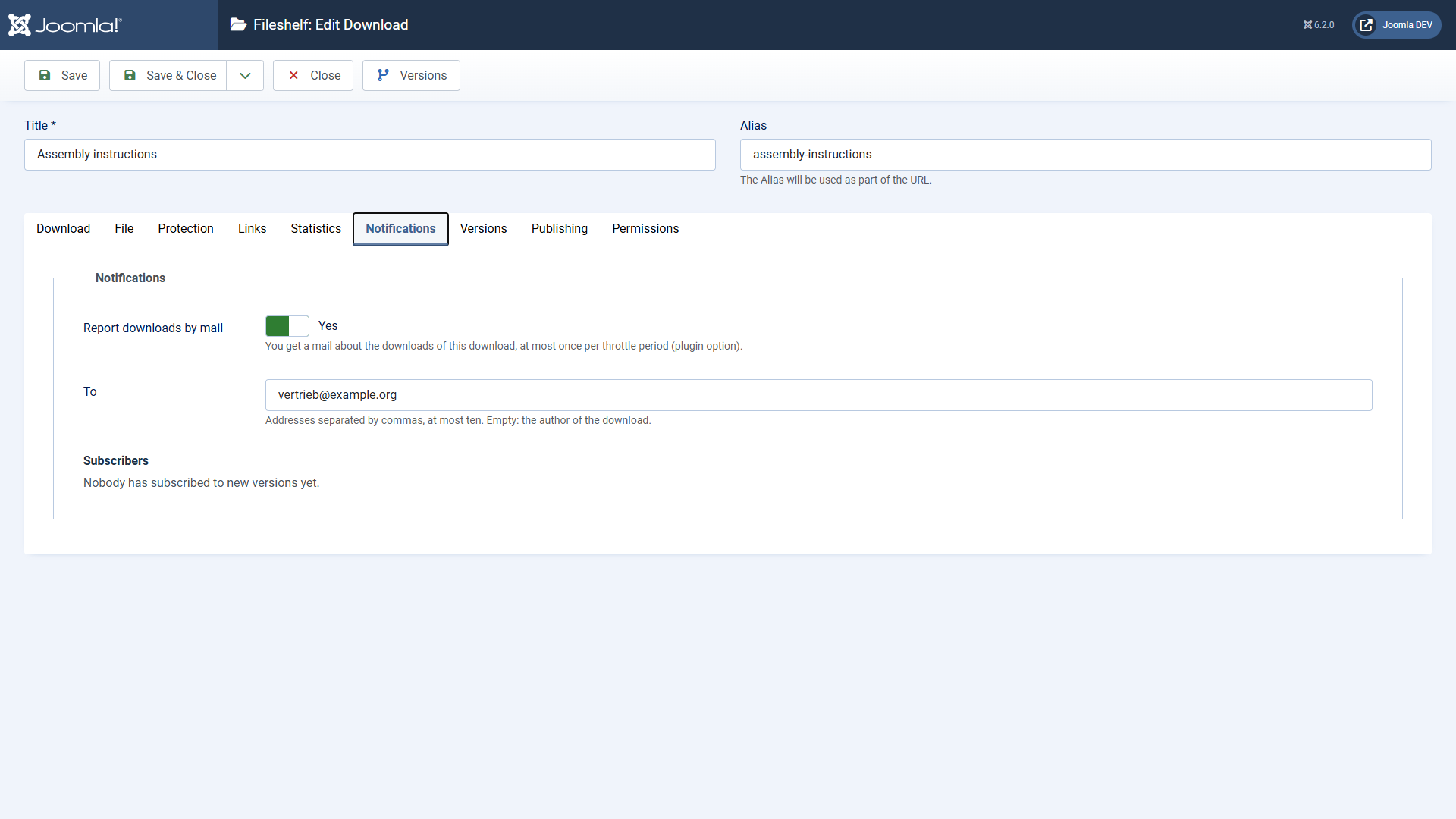 The section “Notifications” in the tab “Sharing”.In the plugin **Fileshelf - Notifications** you set the throttle in hours and, optionally, an address that gets a report of *all* downloads.
## Sending
The scheduled task **Fileshelf - Send notifications** sends what is due every 15 minutes. Fileshelf creates it during installation; you find it under **System → Scheduled Tasks**. The links in the mails never take the address of a request on the website – a visitor could forge it. They come from the global configuration (*Live Site*) or, if nothing is set there, from the address under which you last opened Fileshelf in the backend (Fileshelf notes it then, also when installing).
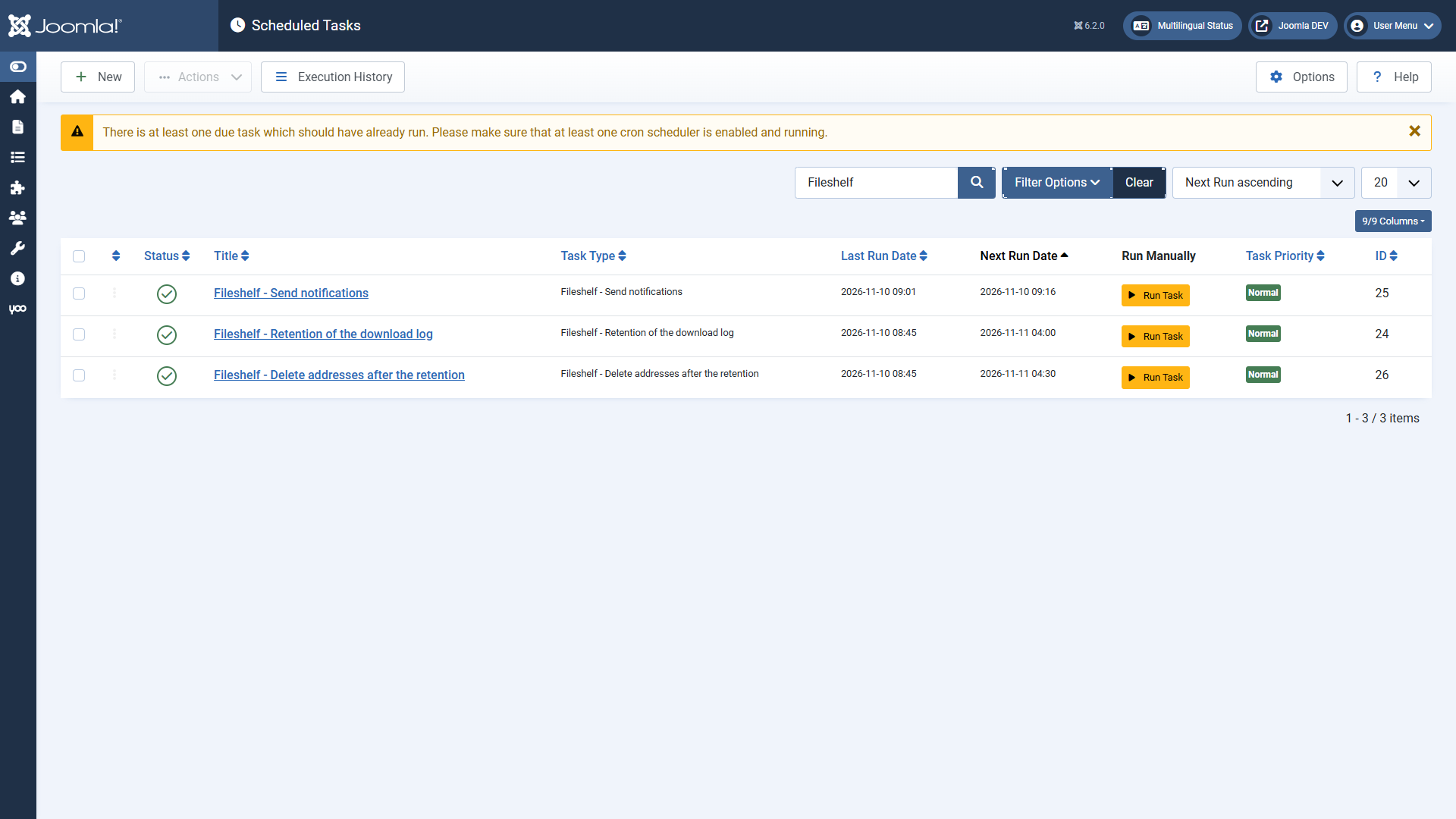 The three tasks of the Pro version.Edit the texts of the mails under **System → Mail Templates** (extension Fileshelf - Notifications).
[Deutsche Fassung](https://docs.graup-it.de/link/431)