**Pro version.** This feature is part of the Pro version of Fileshelf. What the Free version does is covered under *Free version and Pro version*.
Limits say how often visitors may download – for example ten downloads a day for registered users, or three a month for a particular file.
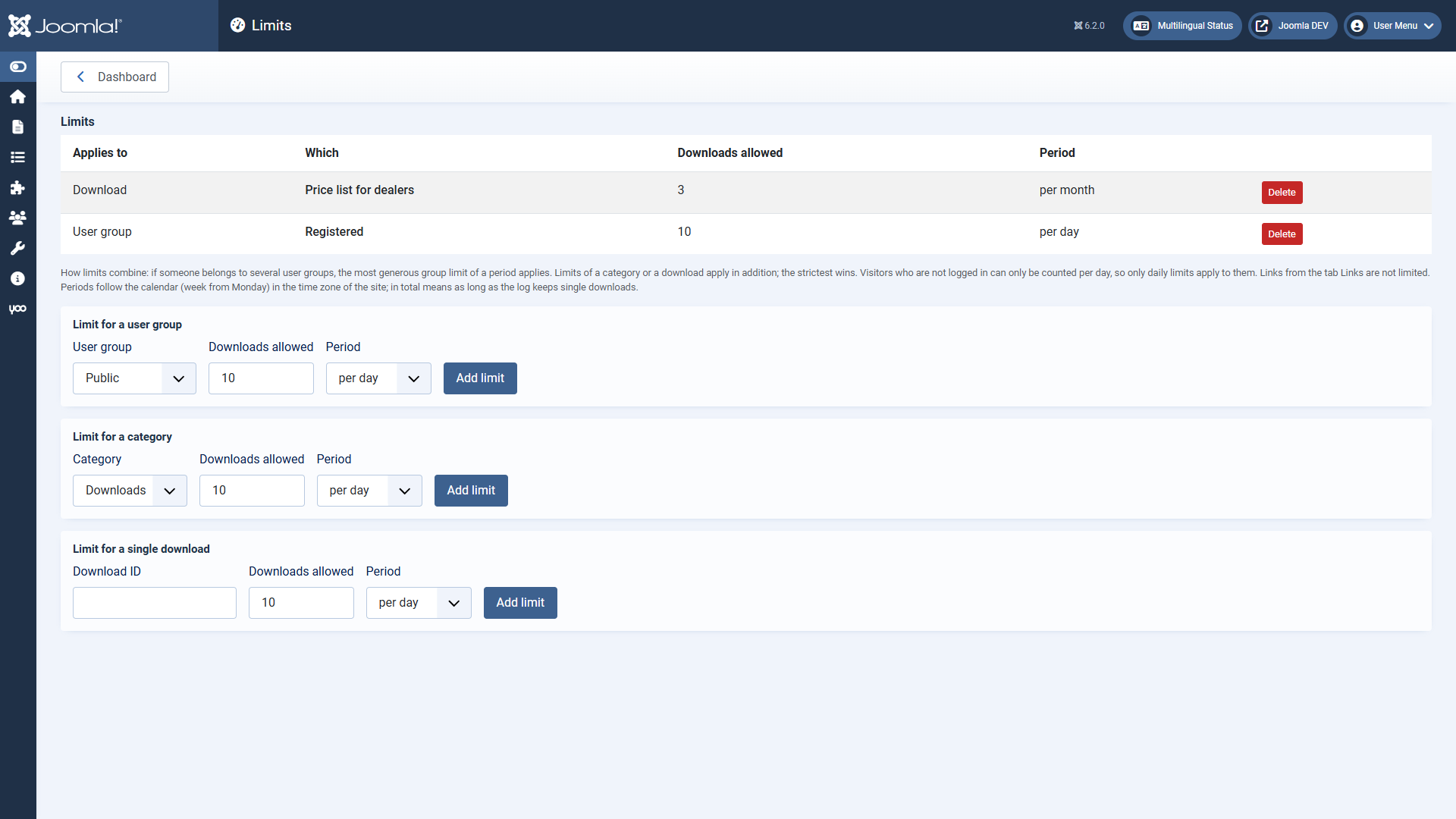 The page “Limits”.## Adding a limit
On the dashboard under **Limits** (Super Users and administrators with the permission “Configure ACL & Options” only). There are three kinds:
- **User group:** counts all downloads of a user in this group.
- **Category:** counts the downloads of this category – as main or additional category, without subcategories.
- **Single download:** counts only this download (its ID is in the download list).
Each limit has the number allowed and the period: per day, per week (from Monday), per month or in total. Periods follow the calendar in the time zone of the site.
## How limits combine
- If someone belongs to several user groups, the **most generous** group limit of a period applies. So a group “Premium” gets more than “Registered”, although its members are registered as well.
- Limits of a category or a download apply in addition; the **strictest** wins.
- When a limit is reached, the list shows a lock with the moment downloading is possible again.
- **Visitors who are not logged in** can only be counted per day, because Fileshelf stores no addresses. So only *per day* limits apply to them.
- **In total** reaches as far back as the download log keeps single downloads (default 365 days).
- Links from the tab Sharing (section Links) are not limited.
In the plugin **Fileshelf - Limits** you choose what counts: only completed downloads (default) or every started one.
[Deutsche Fassung](https://docs.graup-it.de/link/430)