**Pro version.** This feature is part of the Pro version of Fileshelf. What the Free version does is covered under *Free version and Pro version*.
Above the list of a category with at least two downloads there is the button **Download all (ZIP)**. It gives visitors all downloads of the category in one ZIP archive.
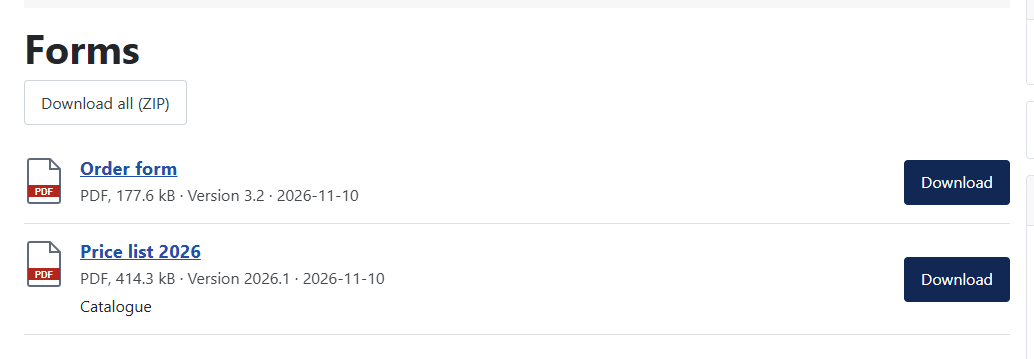 The button above the list.## What goes into the archive
Every file is checked like a single download: access level, password, membership, limits. It is counted and kept in the statistics. What the visitor may not load is missing from the archive; the file **README.txt** in the archive names these downloads with the reason. If a limit applies, every file of the archive counts – so an archive cannot get round a limit.
## Limits
In the plugin **Fileshelf - Download all** you set how many files (default 100) and how many megabytes (default 500) an archive holds at most; what no longer fits is named in the read-me. You can also hide the button there. The archive is built while it is sent and takes no space on the server.
[Deutsche Fassung](https://docs.graup-it.de/link/445)